
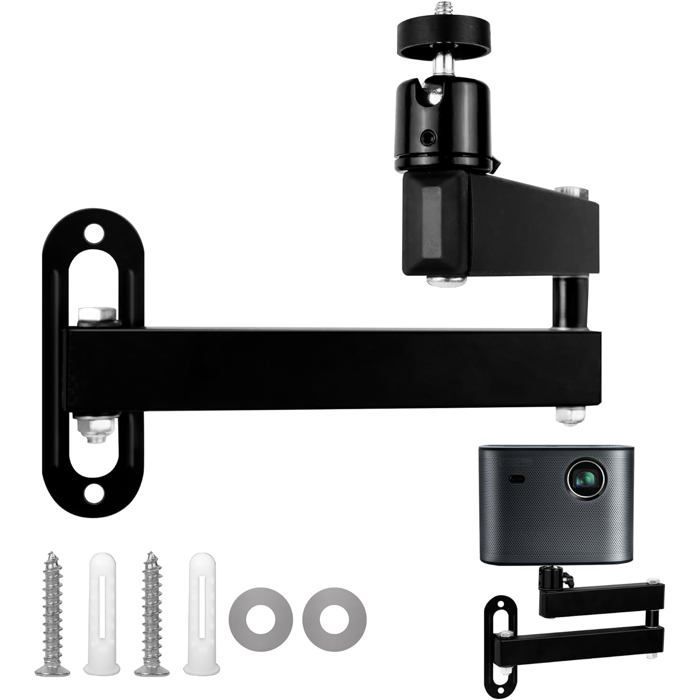
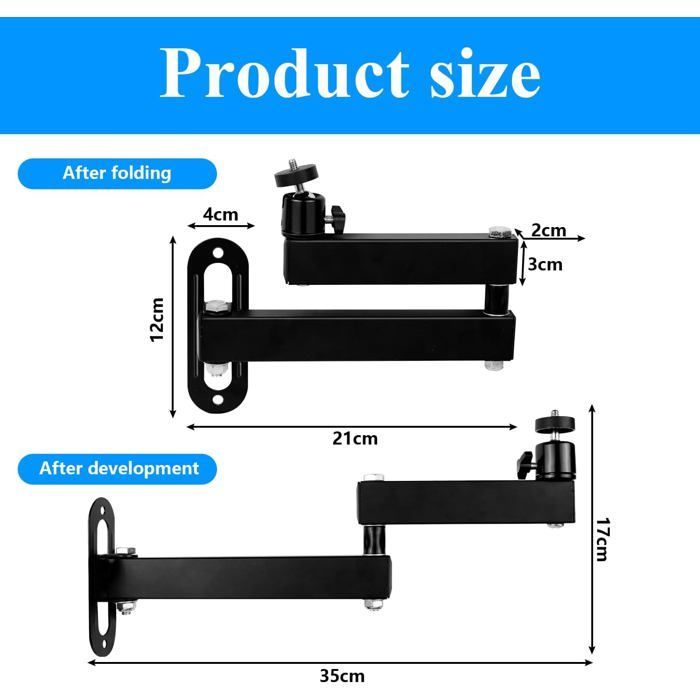
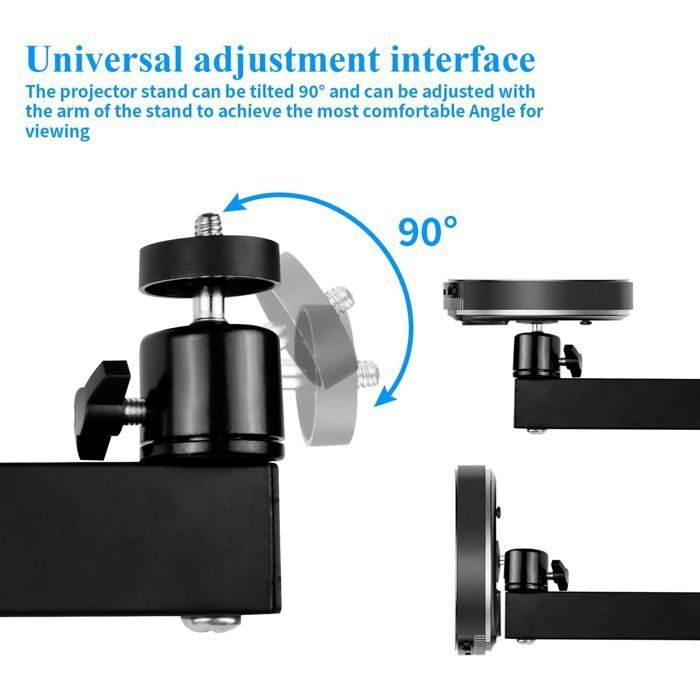
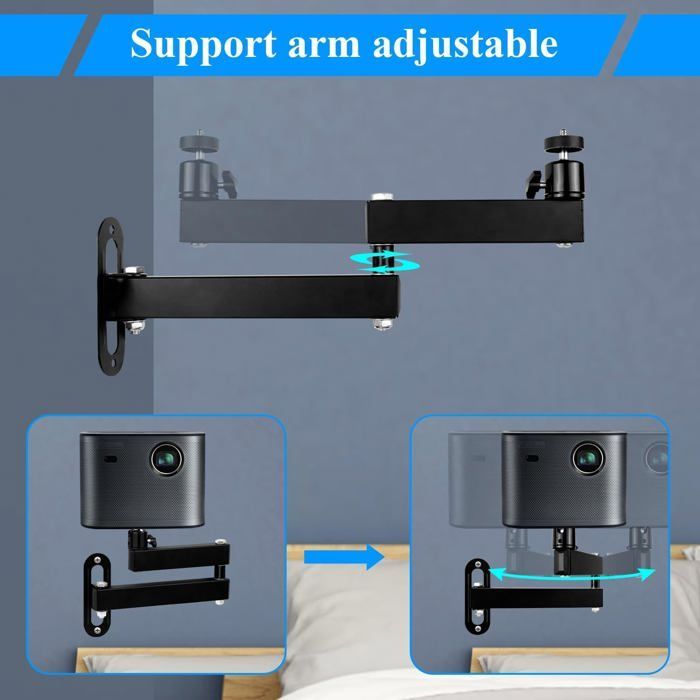
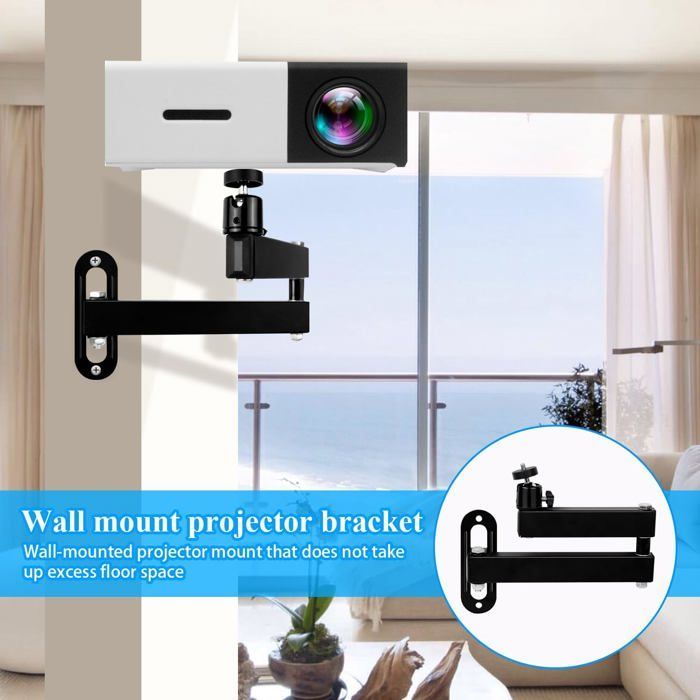
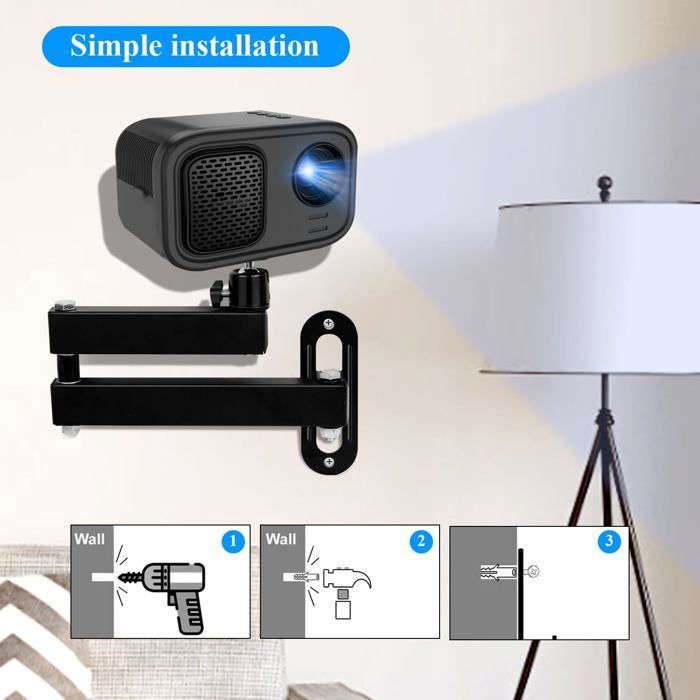

The ZOKKO wall-mounted projector bracket is designed to provide a practical and reliable mounting solution for a variety of devices, including projectors, cameras, action cameras, and DSLRs. Featuring a 1/4-inch (6 mm) mounting thread, it is compatible with a wide range of equipment. The bracket's articulated arm can be adjusted from 18 cm to 35 cm, allowing for flexible installation to suit your needs. The tilt angle is adjustable up to 90°, ensuring stable and comfortable projection from various angles. This bracket is made of high-quality metal, ensuring robustness and a maximum load capacity of 3 kg. Its invisible design allows for discreet wall mounting, ideal for saving space in a bedroom, living room, or conference room. The thickened metal structure and reinforced base ensure optimal stability, preventing rust or deformation. Available in black, this bracket combines functionality and aesthetics to blend seamlessly into any environment. Although not waterproof, it offers a durable and effective solution for your projection needs.
Your Cart
All orders are processed in
USD.
While the content of your cart is currently displayed in
CYN,
you will checkout using
USD
at the most current exchange rate.
Out of stock
Some items are no longer available. Your cart has been updated.
Have a discount code?

Tip

Shipping Insurance
Subtotal
Discount
This discount code cannot be used in conjunction with other promotional or discounted offer.
Total
Taxes and shipping calculated at checkout
Comment