




500Mbps Powerline Adapter Starter Kit with Integrated Socket - Signal Range up to 300 meters - 128-bit AES Encryption for a Secure Network - QoS Function for Bandwidth Quality - 1 Ethernet Port
TL-PA4015P KIT
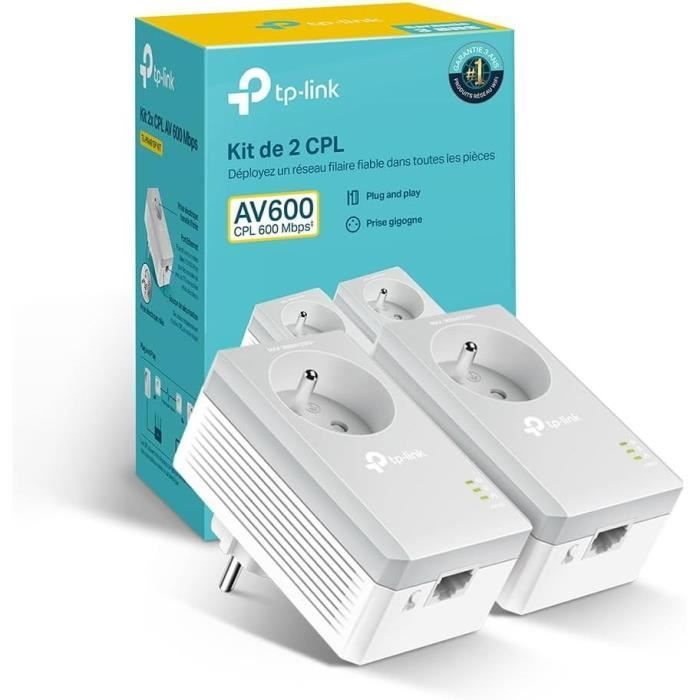
TP-Link 600Mbps Powerline Adapter, 1 Fast Ethernet Port, Integrated Socket, French Version, 2-Pack, Compatible with all Internet Boxes, Plug and Play, Ideal for IPTV and Media Streaming, TL-PA4015P KIT
- Up to 600 Mbps and 300 Meter Range: The TL-PA4015PKIT provides stable high-speed internet over a maximum distance of 300 meters meters, ideal for HD video streaming, (No Wi-Fi support)
- Fast Ethernet Port: Connect your device to a secure wired network using the included Ethernet cable. This is an excellent choice for connecting network devices such as PCs and game consoles to TV boxes, printers, and network-attached storage (NAS) devices.
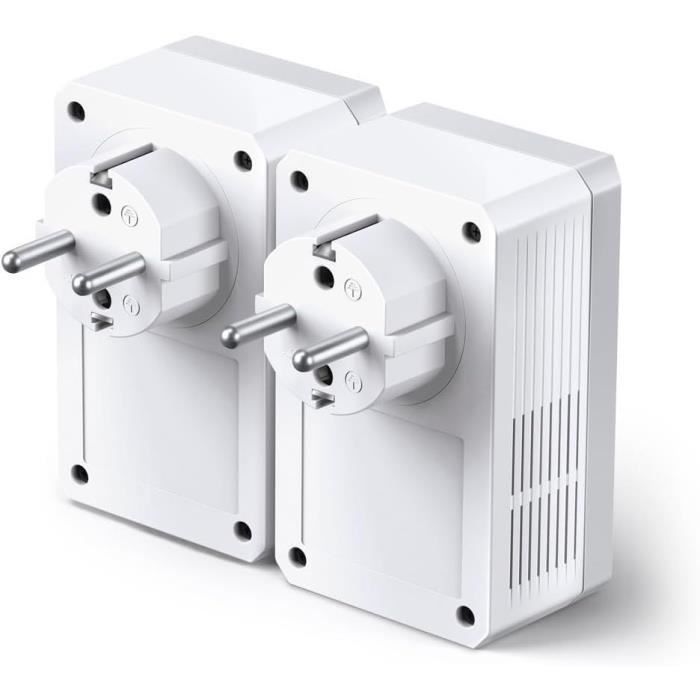
- Pass-Through Socket (French Version): This allows you to connect other devices located in your living room or office. Please plug it directly into a wall outlet for the strongest connection. Optimal and safe connection with its integrated grounding pin.
- Easy Installation: Plug and Play, no configuration required. Place the powerline adapter in a wall outlet; do not plug it into a power strip to avoid interference.
- Wide Compatibility: Compatible with all internet boxes, compatible with all Standard HomePlug AV and AV2 Powerline Adapters
- Patented sleep mode reduces power consumption by nearly 85%
- 2-YEAR WARRANTY, TP-Link provides free technical support. If you have any further questions, search "TP-Link France Zoho Desk" in your web browser to open a support ticket.
- Operating temperature: 0 to 40°C
+ product
2-pack of 600 Mbps AV Powerline Adapters with integrated power outlet
With the advanced HomePlug AV600, the TL-PA4015PKIT transforms your home's existing electrical wiring into a high-speed network without the need for new wires or drilling, bringing a wired network to any power outlet.
Its integrated power outlet ensures that no power outlet will be wasted.
Note: Powerline adapters must be deployed in pairs or larger. The TL-PA4015PKIT is compatible with all routers and other powerline products.
Built-in pass-through socket for your additional devices
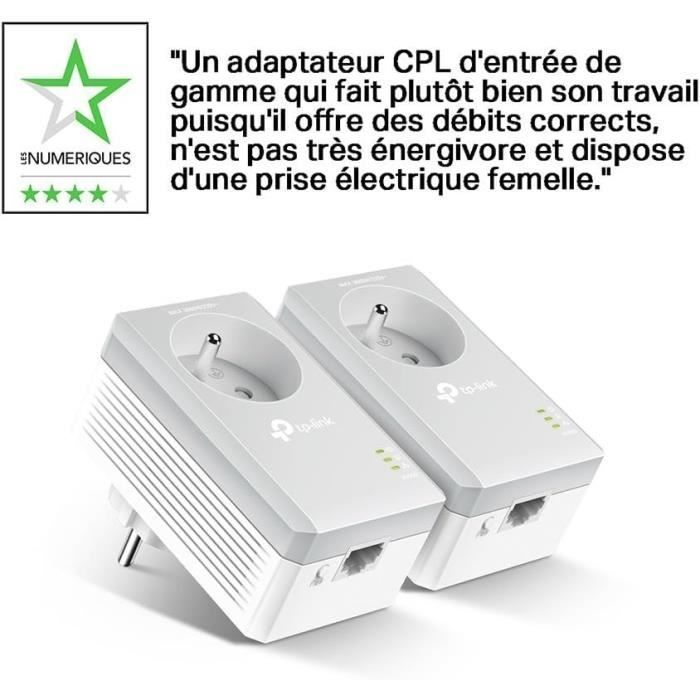
The TL-PA4015P's built-in power socket allows you to connect an additional device or power strip to the adapter just like a regular wall outlet, and the built-in noise filter also helps prevent electrical signal noise from affecting powerline performance. This ensures that even with the TL-PA4015P plugged in, no power outlet will be lost.
Features
- Internet sharing via your electrical network
- Data transfers up to 600 Mbps via the electrical circuit, ideal for streaming HD video
- Integrated power outlet ensuring no power outlet is lost
- Plug and Play design and easy encryption by pressing the Pair button
- Patented sleep mode automatically reduces power consumption by up to 85%
- Compatible with all internet boxes
TP-Link Powerline Utility User Guide
Comment