


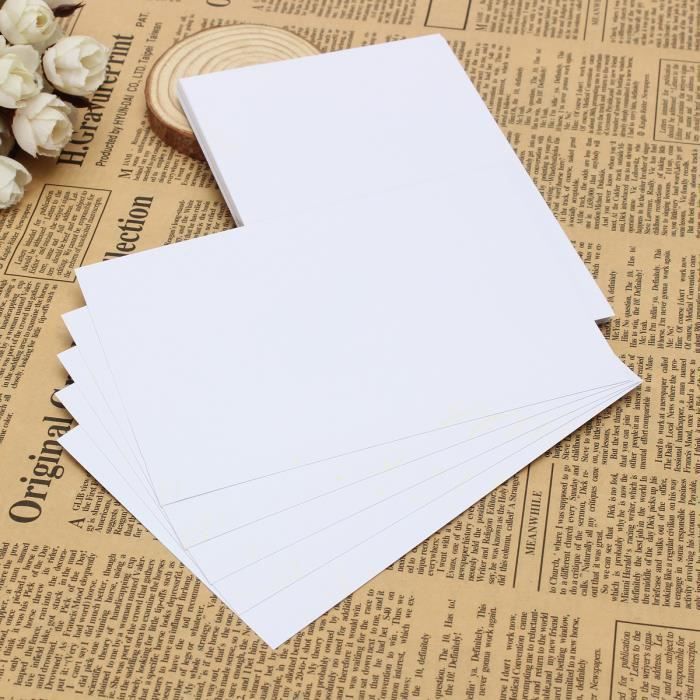

TEMPSA photo paper is a glossy, self-adhesive paper for inkjet printing. It comes in a pack of 50 A4 sheets (210 x 299 mm). This paper can be used to transfer images onto ceramics, mugs, etc. It is also possible to write and draw on the paper with a pen or pencil.
TEMPSA 50x Photo Paper
A4 Self-Adhesive, Glossy, Inkjet Printer, White
Can be written on and drawn on with a pen or pencil.
Design your own designs, simply cut and stick.
Glossy photo paper for inkjet printing, A4 x 50 sheets.
Create professional instant photos. Product details: It can be widely used in laser and inkjet printers. Ideal for photographic quality and colorful graphic output. Print your most precious moments on premium photo paper. Enjoy brilliant and long-lasting results. How to use? This special paper allows you to transfer images from your inkjet printer onto ceramics, mugs, etc. A. Print in mirror image mode on the blank paper (the coated side, which is glossy) from an inkjet printer using pigment or dye ink. B. Use the clear gloss oil (not included in the package but available at print shops) to spray evenly over the surface of the design. C. Allow the printed design to dry (normally 10-20 minutes or 2-3 minutes by brushing). D. Cut out the image if the shiny oil around the edges cannot be easily separated from the backing paper. E. Place it (design facing up) in lukewarm water and wait 30 to 60 seconds until the design can be removed from the backing paper. F. Slide the photo from the backing paper onto the surface of the object, smoothing it down and absorbing the water inside and around the photo (you can use the special rubber scraper to smooth it). G. Use a hairdryer to dry it, then place it in the oven and heat to make the transfer permanent (ceramic/glass/hot iron at 140 degrees Celsius, 10-20 minutes; plastic, 50-60 seconds).Specifications
- Color: White
- Material: Paper
- Paper Size: A4 (210 x 299 mm, 8.3″ x 11.7″)
- Paper Finish Type: Glossy
- Suitable for: Inkjet Printing
- QTY: 50 sheets
Comment