
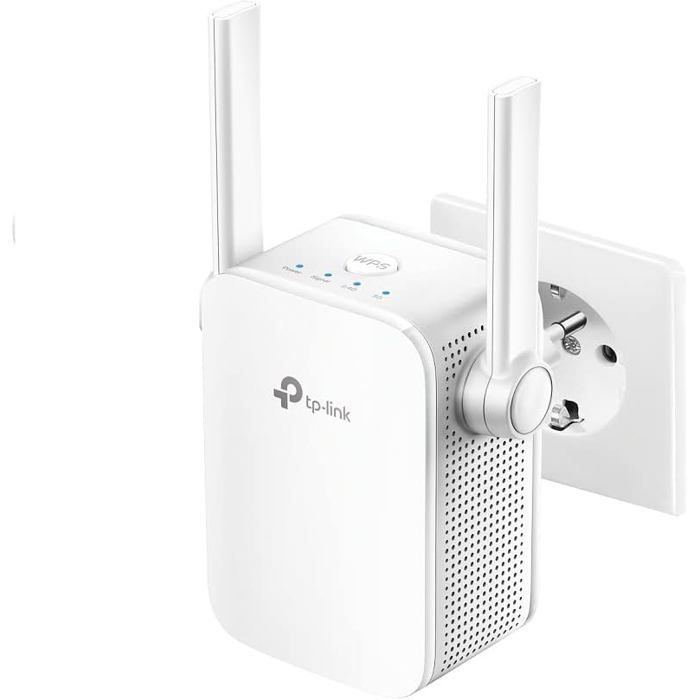
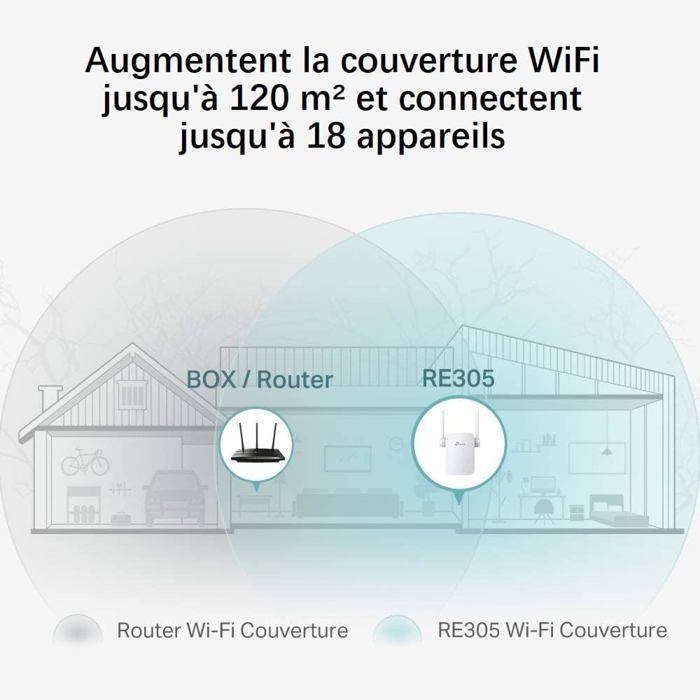
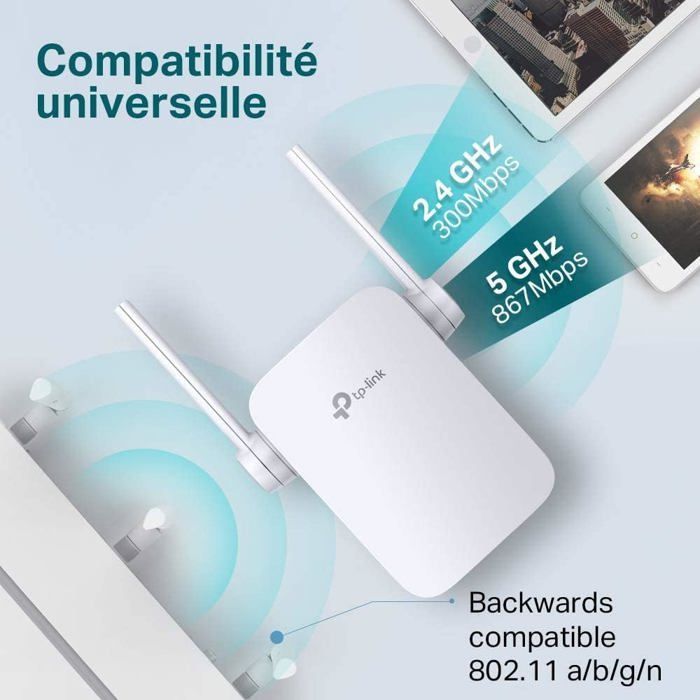

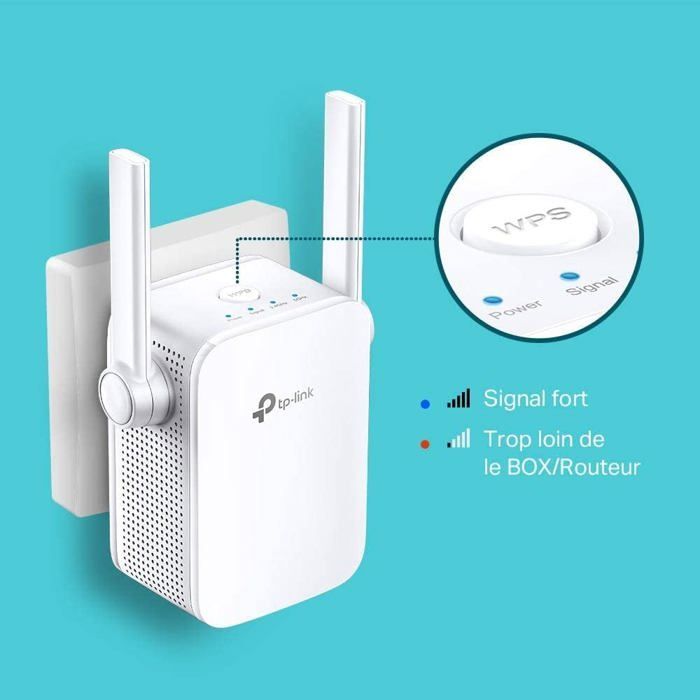
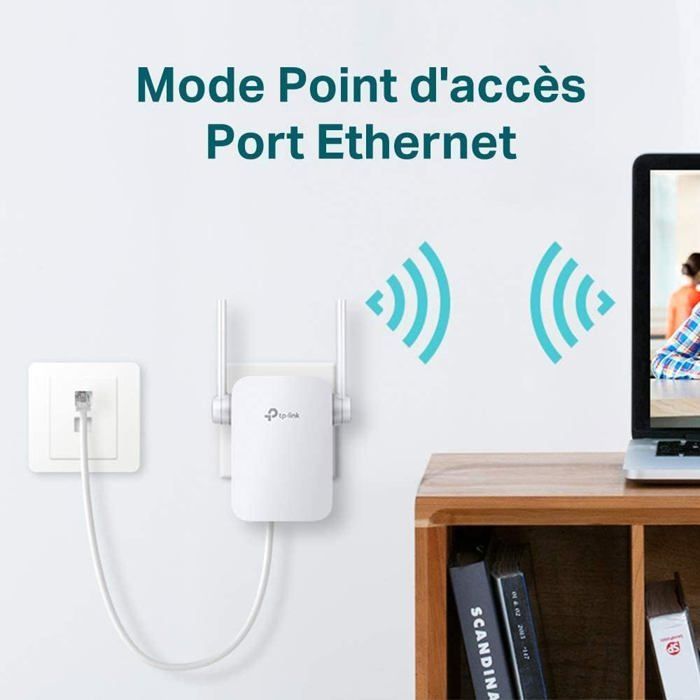

System requirements: Microsoft Windows 98SE, NT, 2000, XP, Vista or Windows 7, 8, 10, Mac OS, NetWare, UNIX or Linux. Extend your coverage: The RE305 WiFi repeater increases WiFi coverage up to 120 m² and connects up to 18 devices such as smartphones, tablets, PCs, etc. High-speed WiFi repeater: Enjoy fast WiFi speeds up to 1200 Mbps (867 Mbps on 5 GHz, 300 Mbps on 2.4 GHz), ideal for 4K streaming and online gaming. Universal compatibility & easy setup: Compatible with all internet boxes and WiFi routers. Install the repeater via the Tether app (free app for iOS/Android). Easy one-touch setup: Press the WPS button on your internet box (router) and the WPS button on your repeater to extend your Wi-Fi coverage in seconds. Ethernet port: With its 10/100M Ethernet port, the RE305 can connect wired devices such as desktop computers, game consoles, or streaming players, etc. Access point mode: Connect your wired internet connection to the RE305 via an Ethernet cable to turn it into a dual-band Wi-Fi access point. Note: The extender is unable to connect to host networks. Please go to Settings > Wireless > Network Connection to check the host network passwords.
Your Cart
All orders are processed in
USD.
While the content of your cart is currently displayed in
CYN,
you will checkout using
USD
at the most current exchange rate.
Out of stock
Some items are no longer available. Your cart has been updated.
Have a discount code?

Tip

Shipping Insurance
Subtotal
Discount
This discount code cannot be used in conjunction with other promotional or discounted offer.
Total
Taxes and shipping calculated at checkout
Comment