


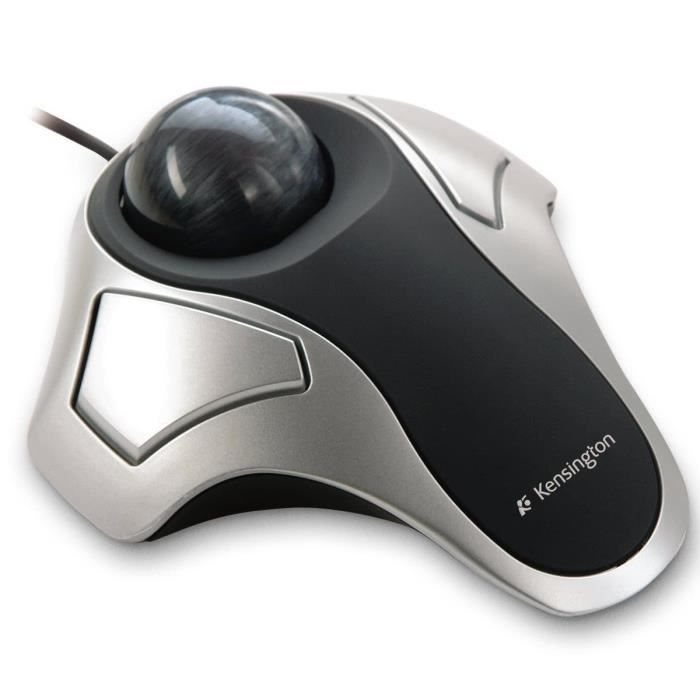
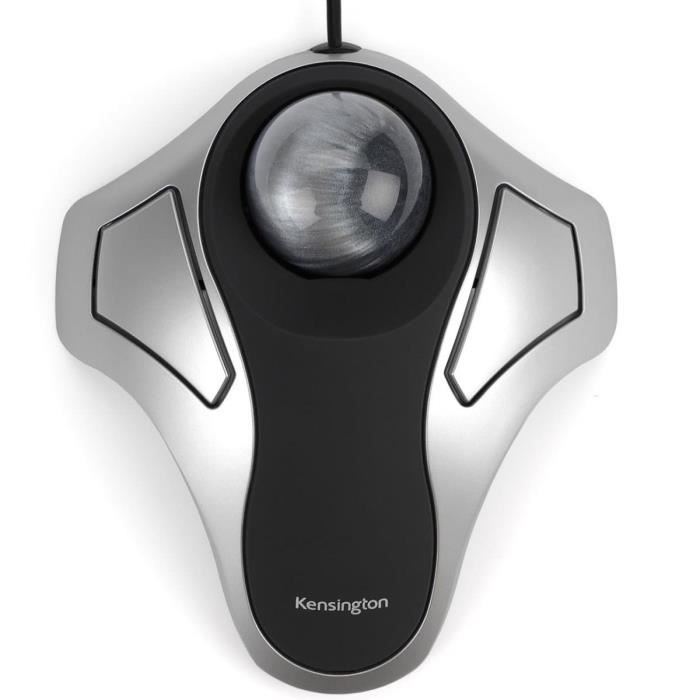
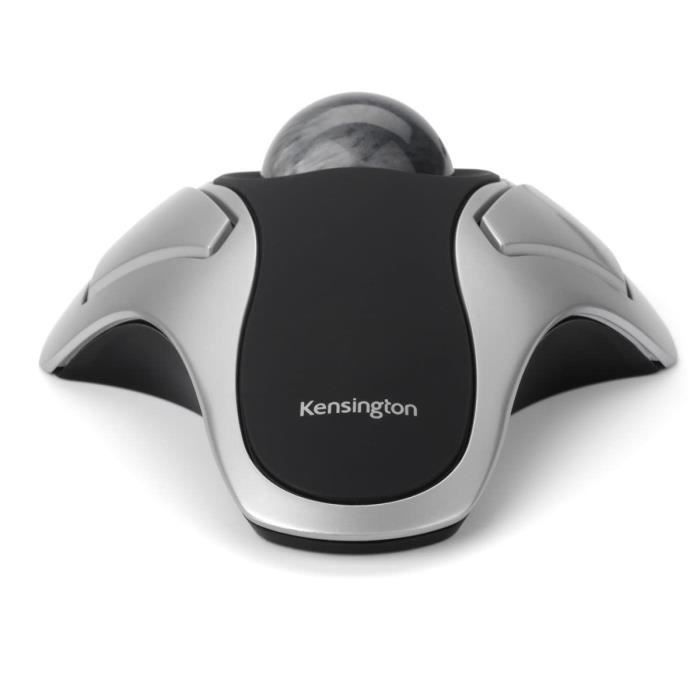
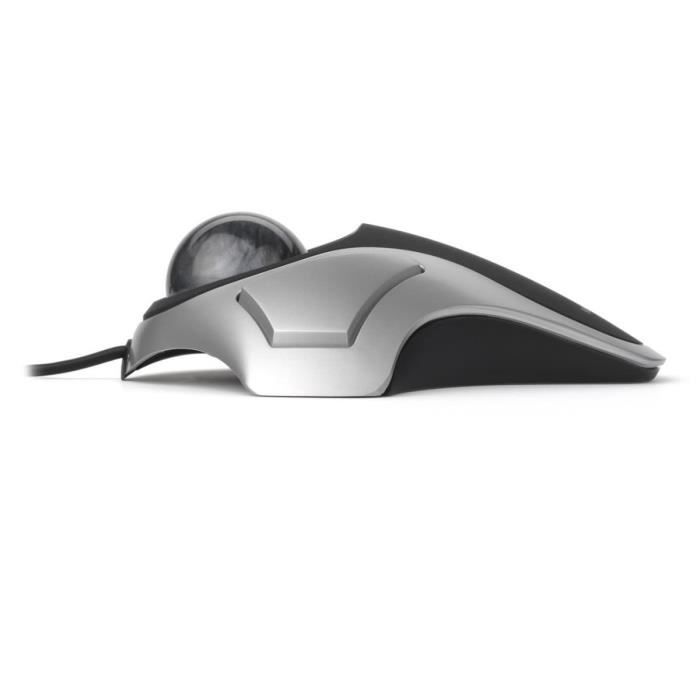

The Kensington wired ergonomic Trackball is fully customizable with TrackballWorks™ software. It offers optimal cursor precision and control while reducing repetitive strain injuries. The two ambidextrous buttons provide a familiar interface for those who have used a mouse. Compatible with Windows and Mac.
Kensington Orbit® Optical Trackball
If you're looking for an easy way to switch from a mouse to a trackball, look no further than the Orbit Optical Trackball, designed for Windows and Mac. More ergonomic, it requires less wrist and hand movement, which will alleviate repetitive strain injuries.
Optical tracking technology allows for precise fingertip cursor control, while the two ambidextrous buttons offer a familiar interface for those who have used a mouse. TrackballWorks software, available for free download from Kensington.com, lets you assign specific functions to the buttons and create a customized productivity experience.Optical tracking technology for optimal cursor precision and control
System requirements: USB port. Compatible with Windows® 7, Windows® XP, Windows Vista®, and Mac OS® X. TrackballWorks™ software downloadable from www.kensington.com
Perfectly spherical, the 40 mm medium ball is designed for exceptional precision
Compact, it takes up less desk space than a mouse
Its ambidextrous design is suitable for both right- and left-handed users
Plug & Play installation via a wired USB connection
TrackballWorks™ software allows you to customize the two buttons and adjust the cursor speed
Compatible with Windows® 8
PC and Mac® compatible
System requirements: USB port. Compatible with Windows® 7, Windows® XP, Windows Vista®, and Mac OS® X. TrackballWorks™ software downloadable from www.kensington.com
Comment