


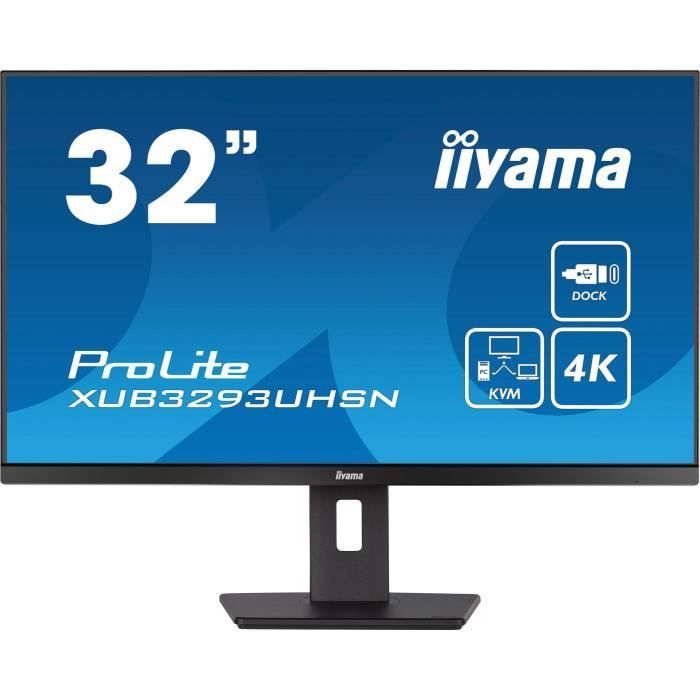
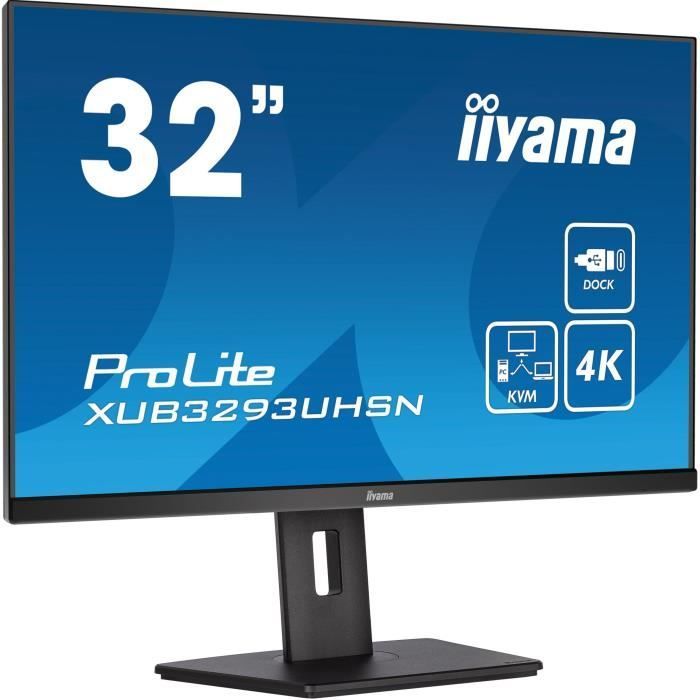
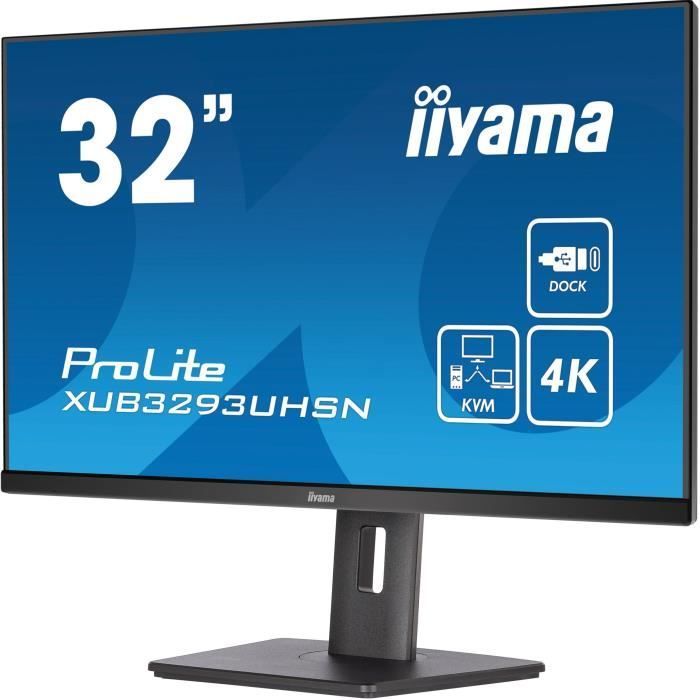
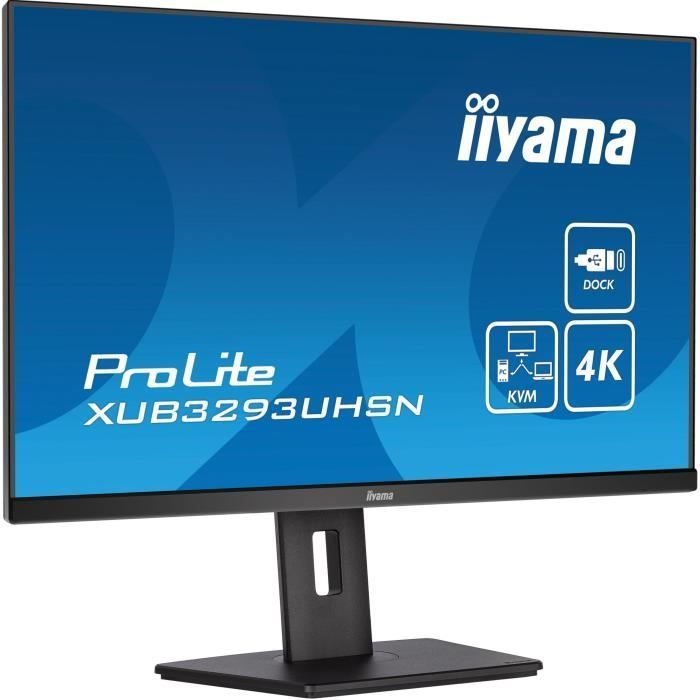

The IIYAMA XUB3293UHSN-B5 32" monitor is equipped with a KVM switch for connecting multiple computers to a single console. Its 4K resolution of 3840 x 2160 at 60 Hz and IPS technology offer exceptional image quality. The USB-C docking station allows for a clean and convenient workspace.
PC Monitor - IIYAMA - XUB3293UHSN-B5 - 32" IPS LED 4K 3840 x 2160 - 4ms - 60Hz - HDMI DP USB-C
Key Features
- Resolution: 3840 x 2160 pixels
- Technology: IPS
- Brightness: 350 cd/m²
- Colors: 1.07 billion
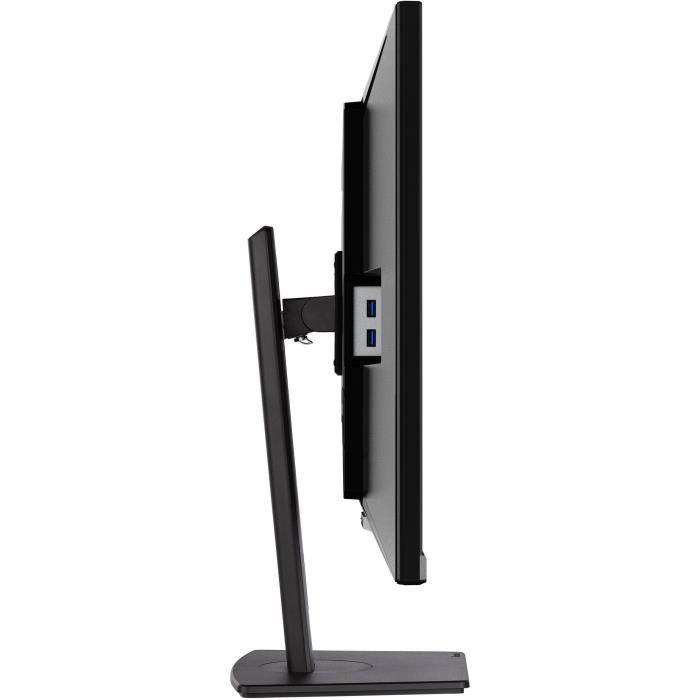
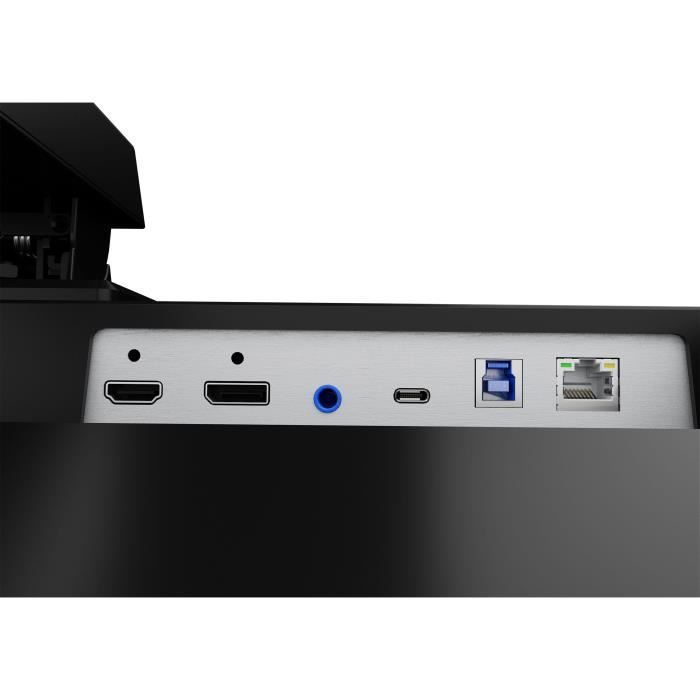
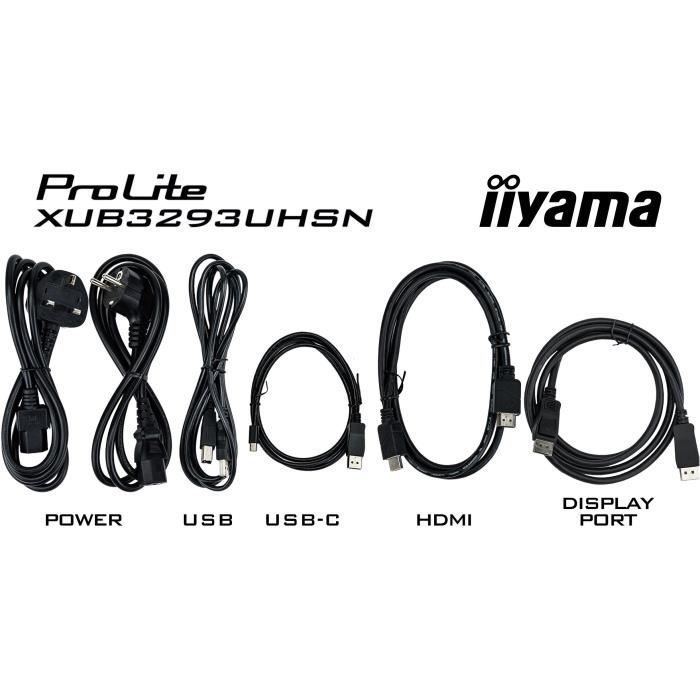
- Interfaces: HDMI, DisplayPort, USB-C, USB 3.0
Exceptional Image Quality
The IIYAMA XUB3293UHSN-B5 PC monitor delivers exceptional image quality thanks to its 4K resolution of 3840 x 2160 pixels and IPS technology. With a brightness of 350 cd/m² and a contrast ratio of 1000:1, this monitor guarantees vibrant colors and accurate rendering. Furthermore, its support for 1.07 billion colors and its matte finish provide an immersive visual experience for work, presentations, and multimedia activities.
Versatile ConnectivityThanks to its multiple interfaces, including HDMI, DisplayPort, USB-C, and USB 3.0, this monitor offers extensive connectivity for connecting peripherals. In addition, the integrated 3W stereo speakers allow you to enjoy quality sound without the need for external speakers. Furthermore, its flexible position adjustments, including height, tilt, and swivel, provide optimal viewing comfort for increased productivity.
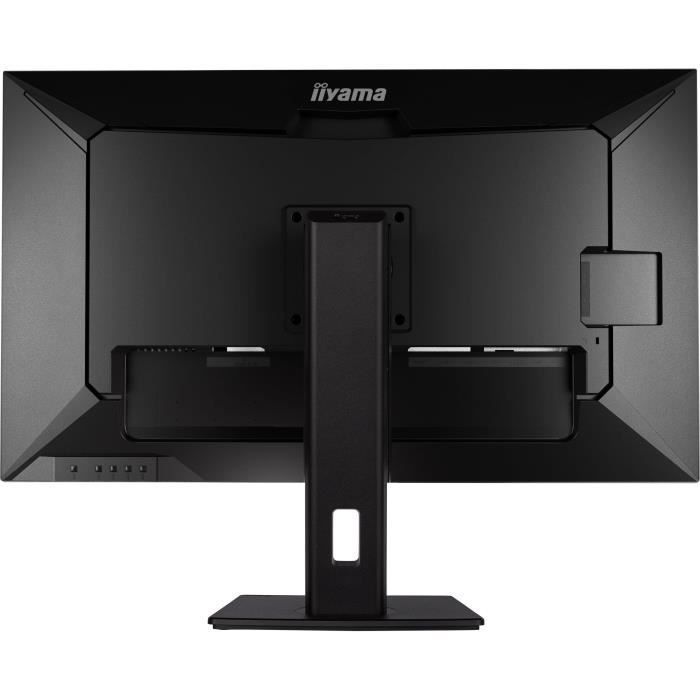
Sleek and Ergonomic DesignWith a 3-sided borderless bezel, this IIYAMA monitor offers a sleek and modern design that integrates seamlessly into any workspace. Moreover, its VESA Mounting Interface compatibility allows you to easily install it on a wall mount or articulating arm for significant space savings. Finally, its dimensions of 71.4 x 23.95 x 45.2 cm and its weight of 9.9 kg make it a spacious and easy-to-install monitor for an optimal user experience. Equipped with a KVM switch, the XUB3293UHSN allows you to connect multiple computers that can be controlled from a single console (monitor, keyboard, mouse). The USB-C dock provides a clean and convenient workspace by using a single cable to both send the signal from your laptop to your monitor and power and charge the laptop from the monitor. Furthermore, if your monitor is connected to the internet with a LAN cable, your laptop will automatically connect to the network as well. The IPS panel ensures wide viewing angles and natural, accurate colors.
KVM SWITCH
Having a monitor with a KVM switch allows you to share peripherals connected via USB to your monitor with two different PCs. Simply change the signal input in the monitor's OSD menu to switch your keyboard, mouse, and webcam from your work laptop to your gaming PC.
USB-C Dock
The docking station allows you to connect your laptop to the monitor with a single cable, ensuring it is both charged and connected to a wired network, and that the laptop's signal is sent to the monitor. With additional USB ports, your mouse, keyboard, or webcam can also be connected to the monitor. All this is possible with a single cable connecting your laptop to the USB-C docking station on the monitor.
Comment