


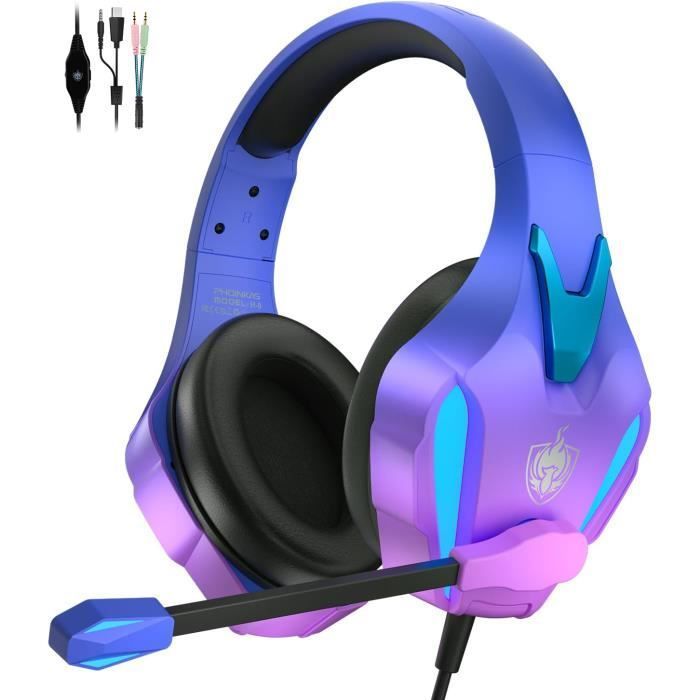
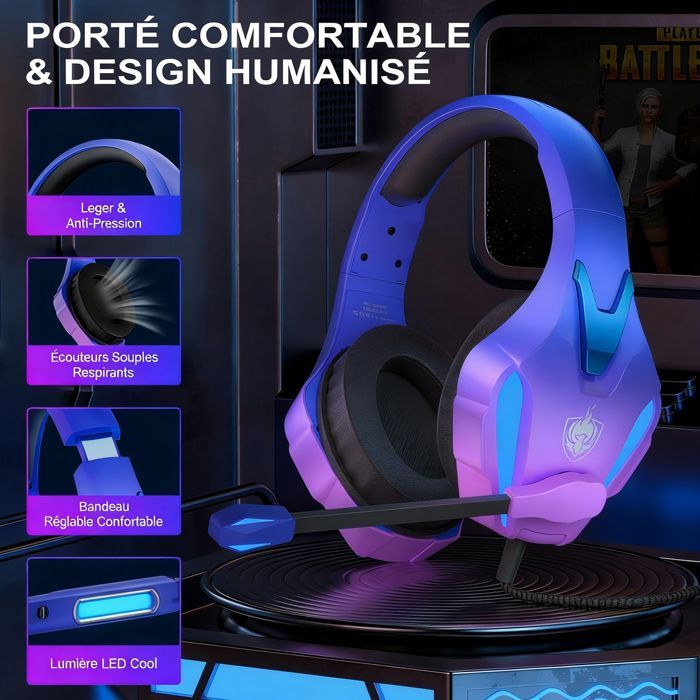

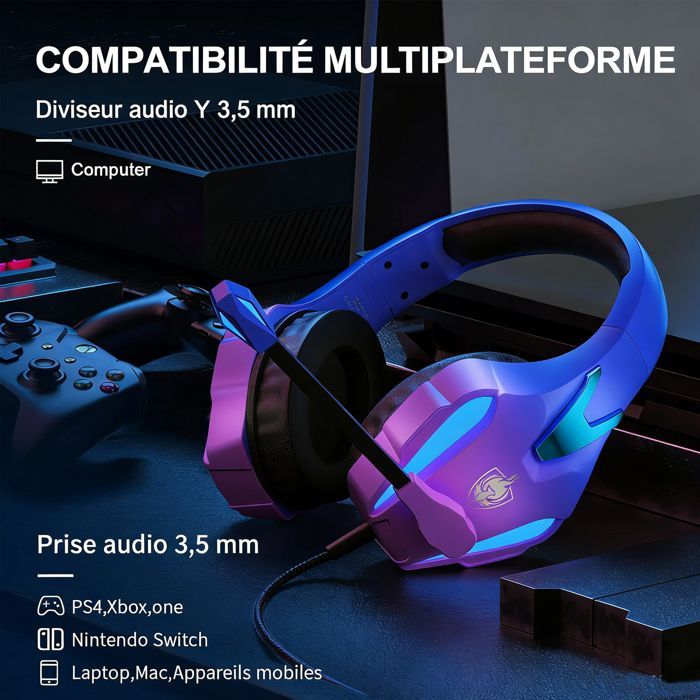
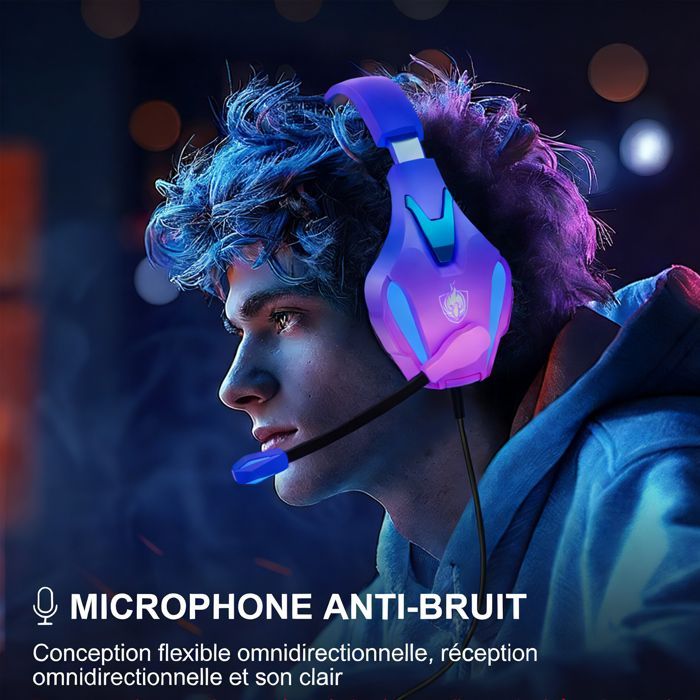


3.5mm jack gaming headset, compatible with PS4/new Xbox One/Nintendo 3DS/PSP/PC. Not compatible with Xbox 360 and PS3. Soft synthetic leather ear cushions and a suspension headband ensure hours of gaming comfort. The USB cable powers the RGB lights. Equipped with a high-precision 40mm neodymium magnetic driver. Adjustable noise-canceling microphone.
The Perfect Gaming Headset for the Whole Family
Offer an immersive gaming experience and clear sound with a fun and attractive design for gamers of all ages.
Ideal Gaming Headset for the Whole Family
A Perfect Gift for Your Loved Ones. This wired gaming headset is the ideal choice for gamers of all ages.
With its colorful and modern design, it will bring both comfort and style to your gaming sessions. Its ergonomic design, adapted to all head sizes, and its extended comfort allow for hours of undisturbed gameplay. Whether for a child or an adult, this headset is perfect for providing an immersive experience while staying connected with loved ones during online games. An ideal gift for families passionate about video games. Product Features: Multi-Platform Compatibility: Compatible with all your favorite gaming platforms. This wired headset is designed to offer broad compatibility with various devices. It features a 3.5 mm Y-series audio jack, allowing use on computers, PS4, Xbox One, Nintendo Switch, as well as laptops, Macs, and mobile devices. Enjoy an immersive gaming experience on all your favorite platforms with high-quality sound and optimal comfort.Q&A
Q: How do I use it on PS4, Xbox One, and PC?
A: [PS4] 1. Insert the headset plug into the controller. 2. Press and hold the PS4 button and access the system settings. 3. Select “PERIPHERAL DEVICES,” “SET SOUND AND DEVICES,” “Headphone Output,” “All Audio.”
[Xbox One] You can use these headphones directly if your Xbox One controller has a 3.5 mm audio interface. Otherwise, you need a Microsoft adapter (not included) and connect the headset to the adapter.
[PC]Please use the 3.5 mm to 1/2" jack splitter cable if your computer has separate audio and microphone interfaces.
Q: When the audio cable is plugged in, is there no sound in the headset, or does only one side produce sound?
A: This is usually caused by a poor connection.
Please reinsert the audio cable and make sure it is fully inserted.
Check if the volume is turned up on the volume control.
Select Output to Device in the settings.
Q: The microphone is not working?
A: When playing games, please connect the 3.5 mm audio cable. The wired headset can only use the detachable external microphone.
Make sure the audio cable is properly connected.
Make sure the mute button on the audio cable is turned off.
In the settings, select the output to the device.
If the problem persists after following the steps above, please replace the audio cable.
Specifications
- Headphone Type: Wired Headset
- Supported Platforms: PC/Mac/PS4/PS5/Nintendo
- Headphone Form Factor: Circumaural
- Speaker Diameter: 40mm
- Speaker Impedance: 12 Ohm
- Sensitivity: 105dB
- Frequency Range: 15Hz-20KHz
- Microphone: 6.0*5.0mm
- Microphone Sensitivity: -38dB
- Impedance of the Microphone: 2.2K Ohm
- Microphone Type: Omnidirectional
- Linear Length: 2.1 Meters
- LED Operating Voltage: DC5V
- Operating Current: ≤500mA
- Headphone Port: USB + 3.5mm + 4-Pin
Comment