
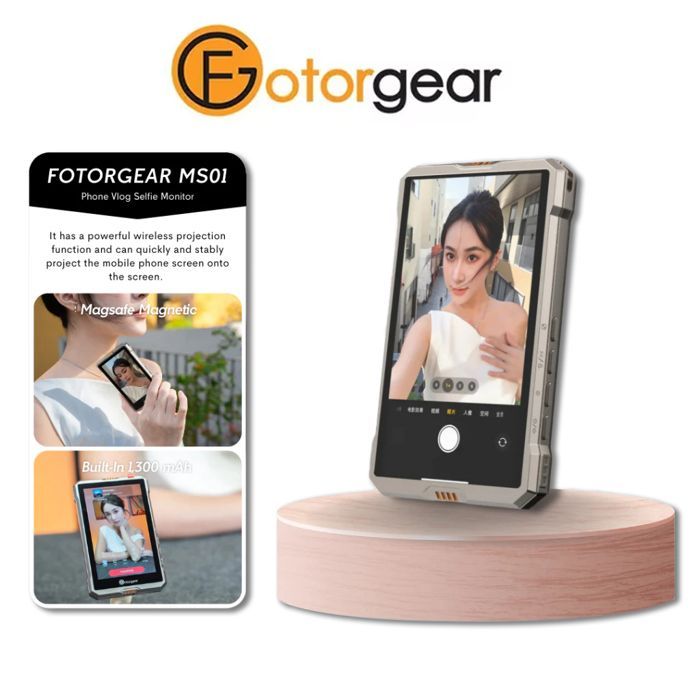
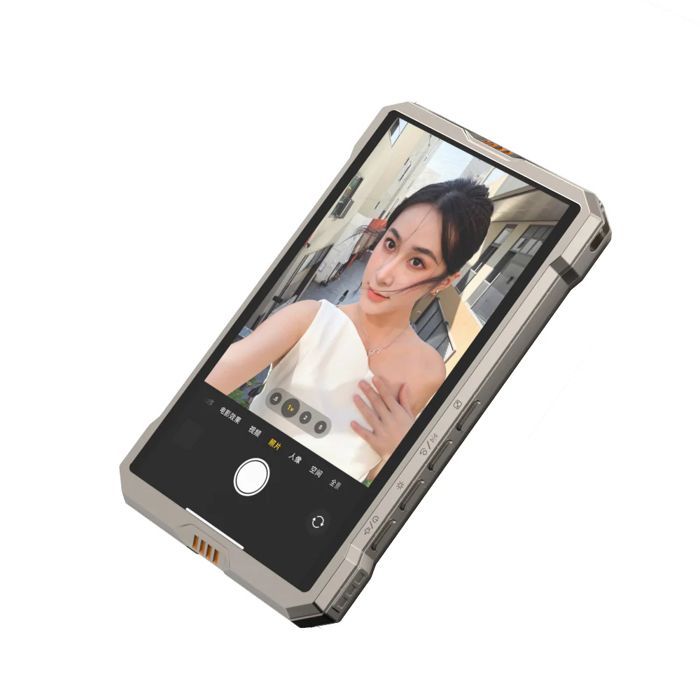
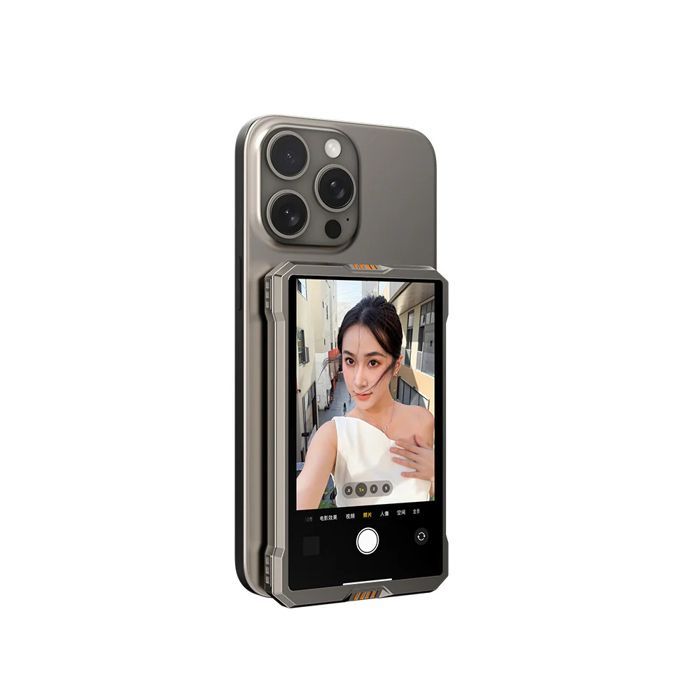
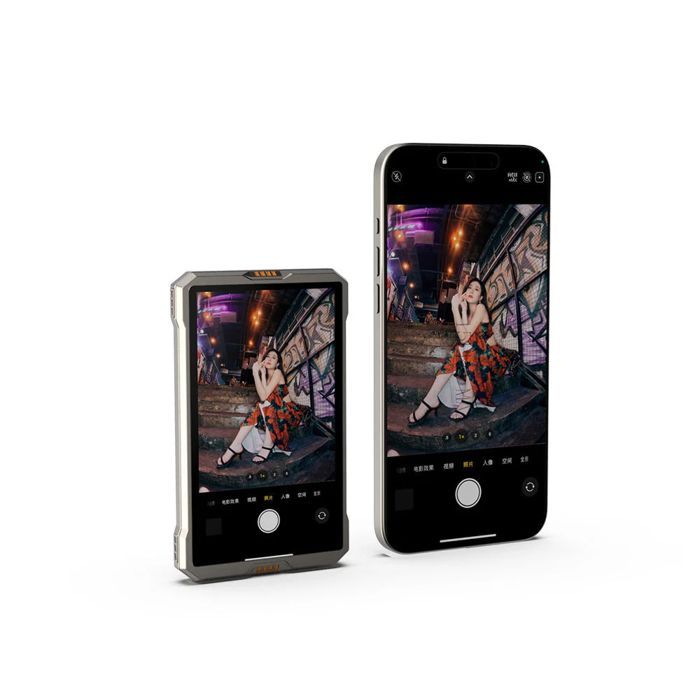
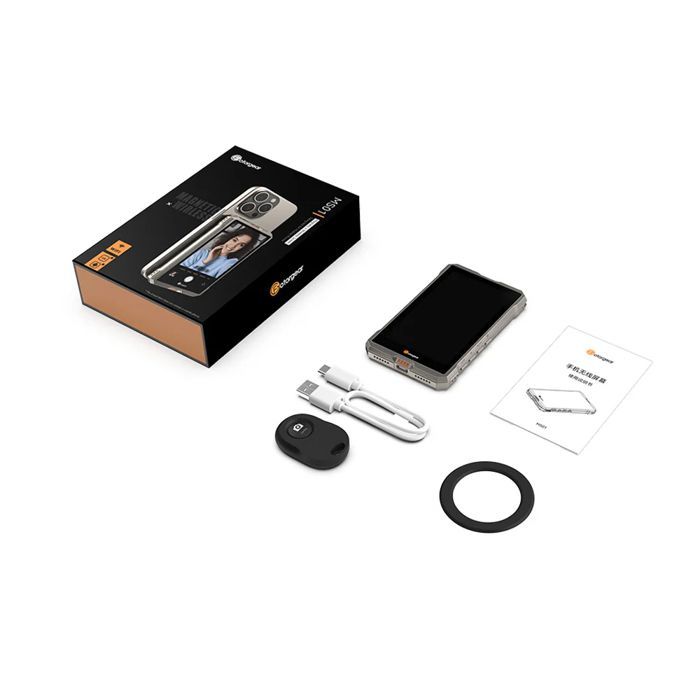

Note: Compatible with Android and Apple phones. Android phones requiring screen mirroring functionality can be used (such as the Google Pixel and Vivo X100). 1. Mirroring can be adjusted via the side mirror button. 2. Button operation and touchscreen functionality are not supported. Usage: The screen is equipped with an access point. Enable your phone's Wi-Fi to connect, then enable the wireless screen mirroring function. Wireless Wi-Fi Projection Screen. Supports AirPlay and Miracast standards, now available on iOS and Android for syncing your phone with the screen.
Your Cart
All orders are processed in
USD.
While the content of your cart is currently displayed in
CYN,
you will checkout using
USD
at the most current exchange rate.
Out of stock
Some items are no longer available. Your cart has been updated.
Have a discount code?

Tip

Shipping Insurance
Subtotal
Discount
This discount code cannot be used in conjunction with other promotional or discounted offer.
Total
Taxes and shipping calculated at checkout
Comment