

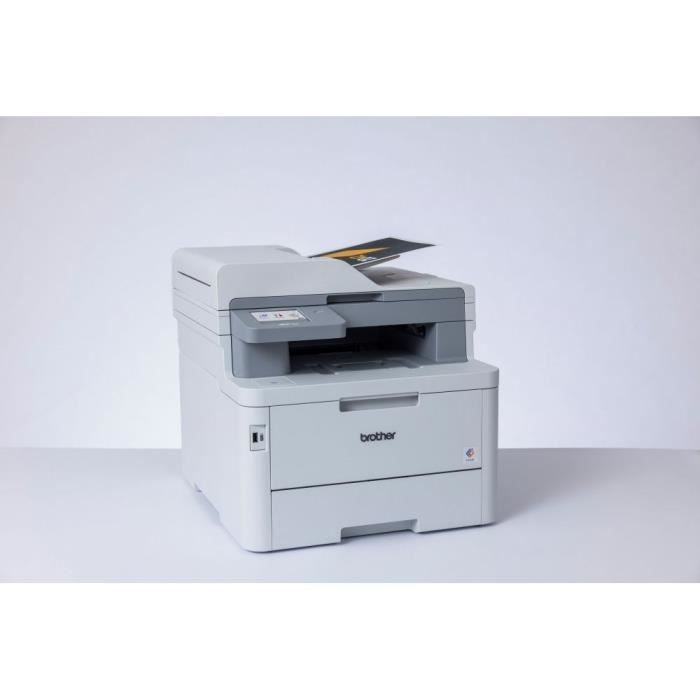
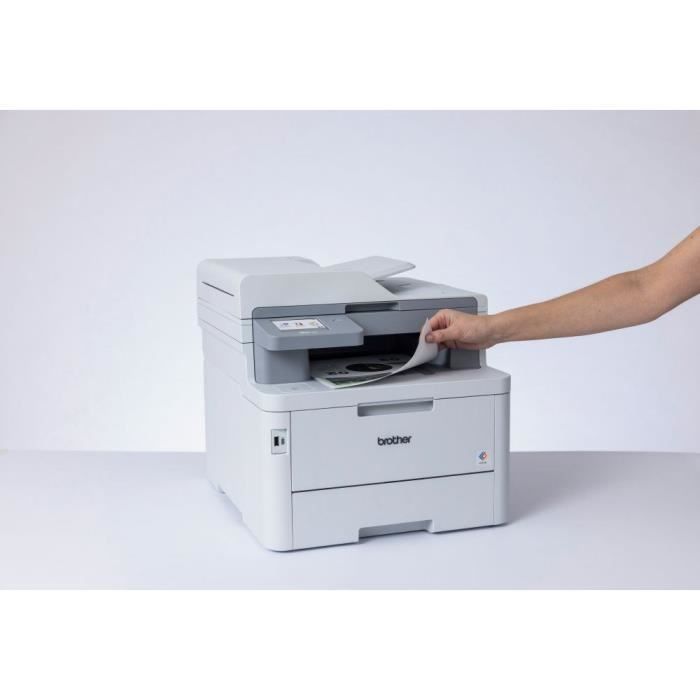
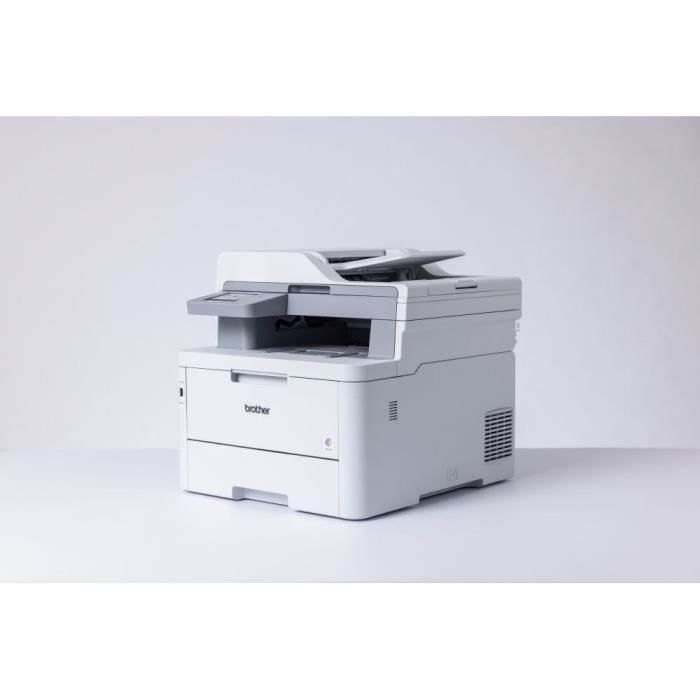

MFC-L8390CDW 4-in-1 Color LED Multifunction Printer with Duplex Printing, Ethernet and Wi-Fi, 50-sheet Feeder, NFC, 30 ppm in Black and Color
Professional 4-in-1 Color LED Multifunction Printer
Built-in Features and Connectivity
MFC-L8390CDW
The feature-rich MFC-L8390CDW packs everything you expect from a Brother printer into a compact design.
Quiet and uncompromising in speed or quality, this multifunction printer is the perfect partner for your business.
Features Main features:
• Print up to 30 pages per minute
• Duplex printing, up to 12 pages per minute
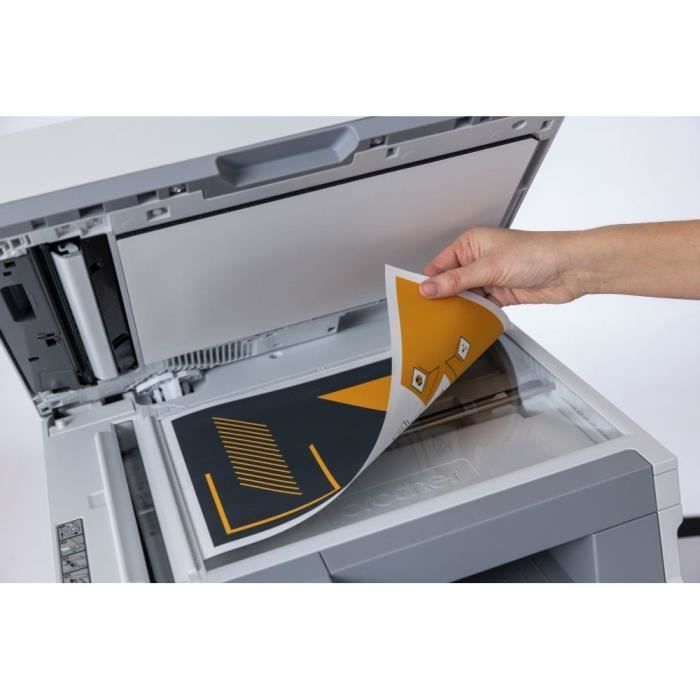
• Single-pass duplex scanning up to 56 images per minute3
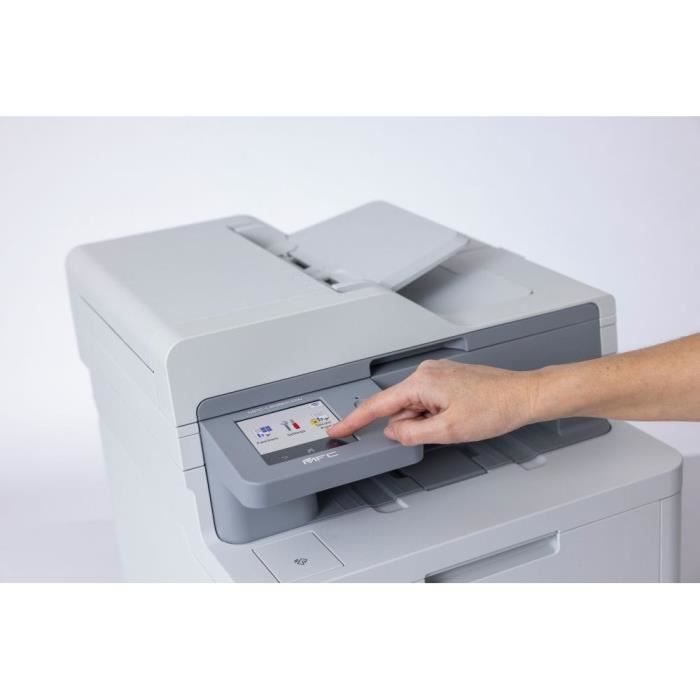
• 8.8 cm color touchscreen
• Gigabit Ethernet, 5GHz WiFi, and USB connectivity
• Print or scan directly from USB or the mobile app
• 512 MB internal memory
• 50-sheet single-pass duplex automatic document feeder (ADF), 250-sheet paper tray, expandable to 500 sheets (with the additional paper tray: the LT-310CL)11
• Comes with 2,600-page black and 1,400-sheet color toner cartridges
• Some Toner cartridges with a maximum yield of 4,500 pages in black and 4,000 pages in color are also available.7
• Compatible with Brother + Function solutions and third-party functions
• Built-in NFC badge reader
• Eligible for a cost-per-page (MPS) contract
Uncompromising Silence
With its sleek design, the MFC-L8390CDW is engineered for quiet printing while delivering speeds up to 25% faster than the previous generation. This allows you to print continuously without distractions and focus on your business.
Expertly Designed
Expertly designed, our compact professional color multifunction printer delivers high-quality results, allowing you to make the most of your workspace. Each component has been optimized to reduce the overall size of the device without compromising performance.
With easy paper access, the MFC-L8390CDW has been designed for high-volume printing of up to 4,000 pages per month to meet the needs of the most demanding professionals.
Flexibility that saves time
The MFC-L8390CDW has been designed to integrate seamlessly into your workspace while meeting your company's specific printing needs. Adding an optional paper tray allows you to increase your company's printing volume from a single device.
Comment