

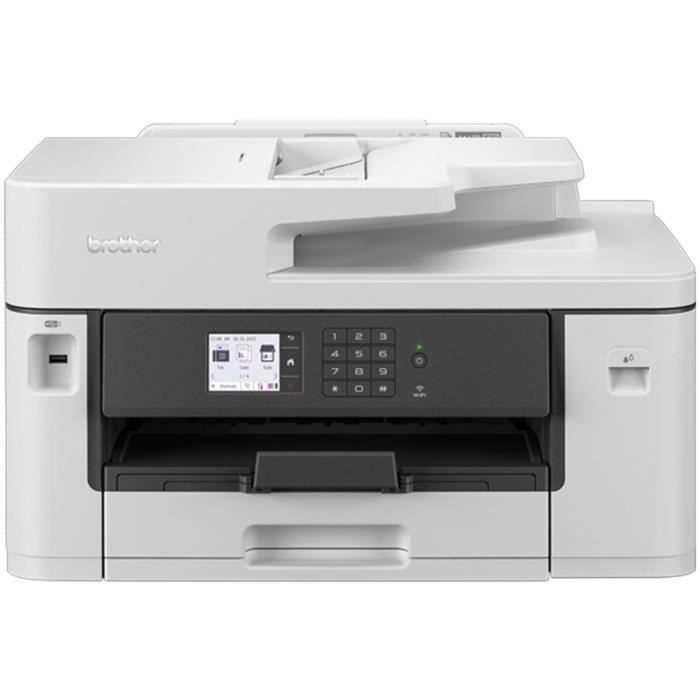
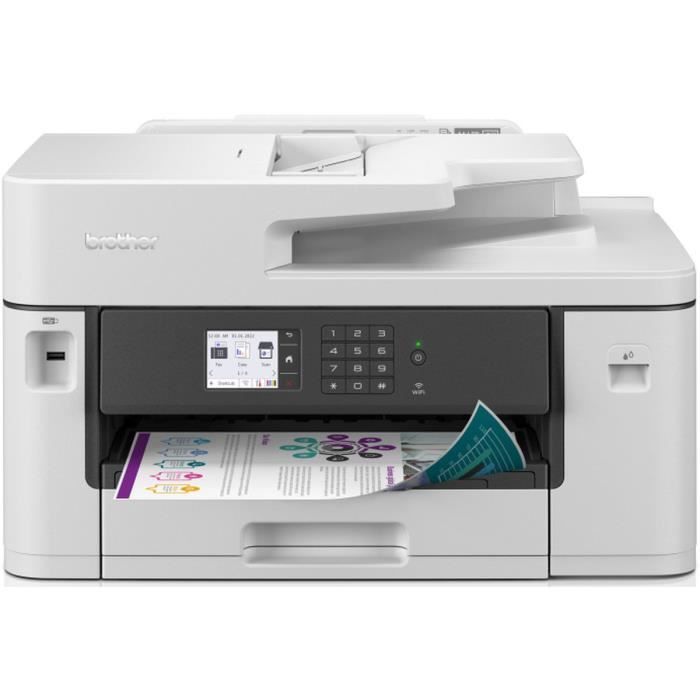
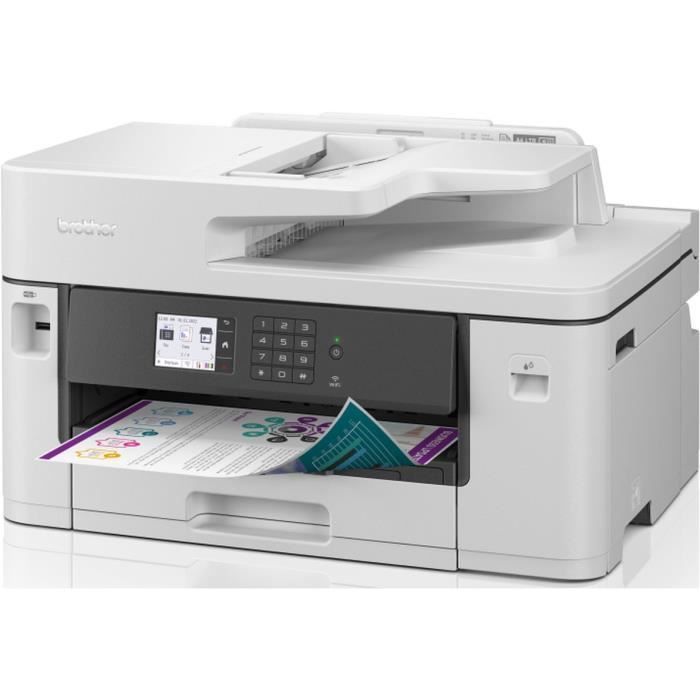
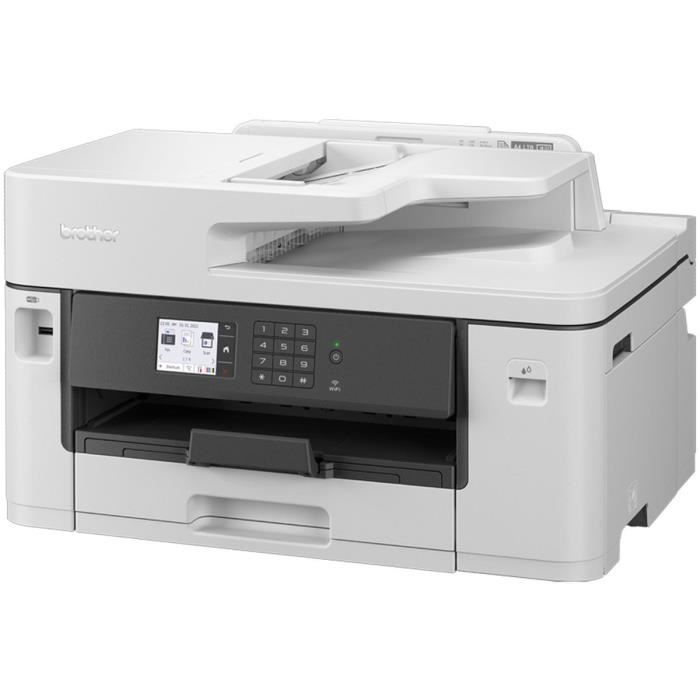

This BROTHER Business Smart 4-in-1 professional color inkjet multifunction printer allows printing up to A3 format with a speed of 28 ipm ISO. It is equipped with Wi-Fi and Ethernet, automatic duplex printing for A4 paper, a 250-sheet paper tray, and a 50-sheet ADF.
Professional A3 All-in-One Inkjet Printer with Wi-Fi
The MFC-J5345DW A3/A4 professional multifunction printer is built to last and meet the demands of small businesses and professional workgroups.
You can easily print both A4 and A3 documents and enjoy high-quality prints, fast print speeds, and low printing costs.
This all-in-one multifunction printer offers print, copy, scan, and fax capabilities. Print from your desk, while in a meeting, or even from your smartphone thanks to Wi-Fi connectivity. Professional A3 Printing: This professional printer offers A4 printing, but also allows you to print your reports, presentations, marketing materials, or training documents in A3, expanding your possibilities. The integrated paper tray holds up to 250 sheets of A3 paper. The 50-sheet automatic document feeder lets you let your multi-page document scan automatically while you focus on other tasks. Plus, with an intuitive 6.8 cm color touchscreen, you're sure to work faster and more efficiently. Ultra-fast, durable and high qualityThanks to years of research and development, our patented MAXIDRIVE printhead redefines printing technology. Individual ink droplets are delivered via a 40-micrometer-thick film, ejected through 1,680 individual pressure chambers on a single printhead, for ultra-fast, durable, and high-quality printing.
When quality meets performance
Our advanced color printing technology ensures you get professional prints with vibrant colors and highly accurate scanned documents.
The printer's robust design and the extended lifespan of its components allow you to rely on your printer for years to come.
Print from anywhere, anytime
With the remote printing feature of the Brother Mobile Connect app, you can send print jobs from anywhere. You can even set up notifications that will alert you when printing is complete.
Brother Mobile Connect
Brother Mobile Connect lets you personalize the app's home screen with your most frequently used functions, giving you an innovative printing experience. There are also numerous scanning functions: scan data directly to your smartphone or tablet, and access your scan history to search for files.
If you're worried about running out of ink, simply check ink levels, order supplies, and have them delivered to your chosen address—all directly from the app.
Comment