




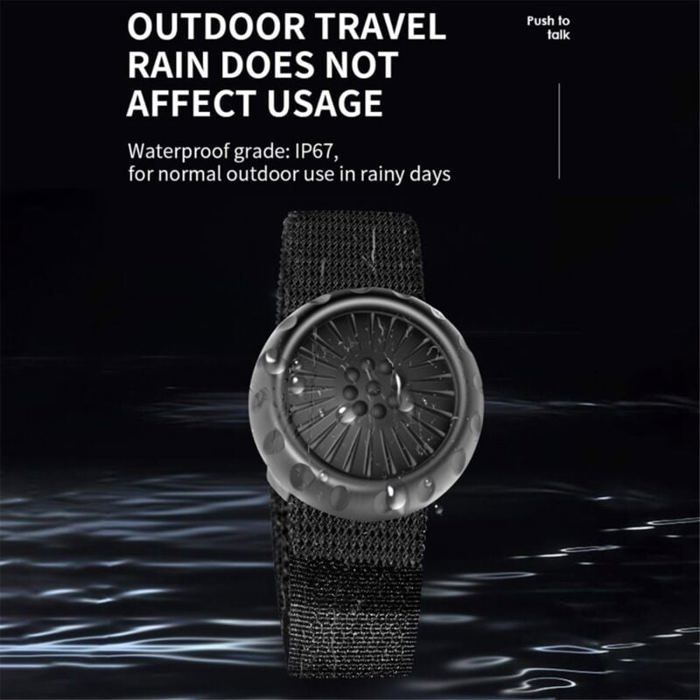

Zello Push-To-Talk Bluetooth Wireless Walkie-Talkie Control Button for iOS and Android Phones, Car Voice Calling, ODIPIE
Connection Methods: Wireless Bluetooth
Software: For ZELLO
Connection Distance: 30M
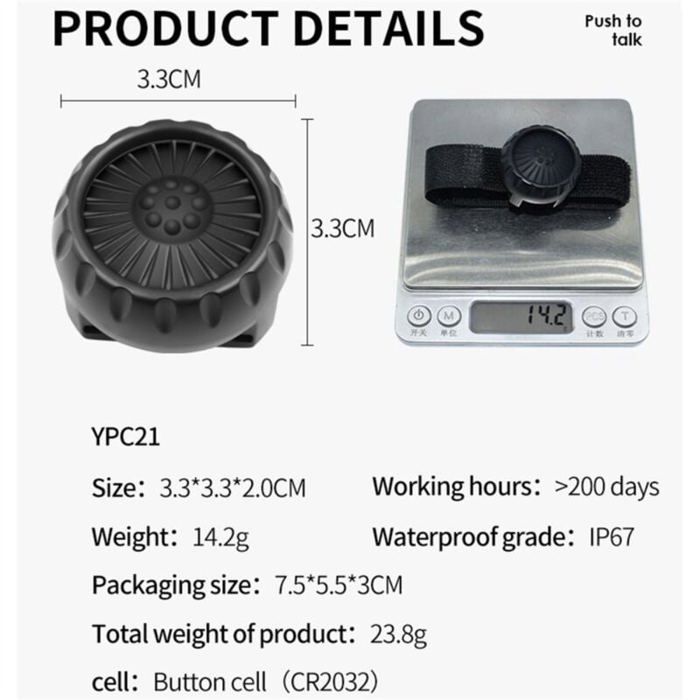
Supported Operating Systems: Android 4.0 and above, iOS 8.0 and above. Battery: CR2032 (to be installed)
Working Time: At least 200 days. Application: Suitable for cars, motorcycles, bicycles, for easy use anytime. How to use: Step 1. Install the battery: Turn the knob to remove the chip inside, install the additional battery, and turn the switch next to it to "ON".
Step 2. Open the wireless and Bluetooth ports on your mobile phone.
Step 3. Open the Zello app, tap "Push-to-Talk", tap the button, wait a moment, after connecting, it will display "PTT-Z01", tap "PTT-Z01", and choose "Hand-to-Talk".
Step 4. Tap the button to establish communication.
Important points: 1. The product is only intended for use with Zello software devices.
2. The product must be used with Bluetooth and network enabled.
3. It cannot be used without opening the Zello software.
4. After connecting, there's no need to reconnect; you can operate it directly by opening the app.
5. If the program isn't used for a long time, you can also send it by lightly pressing the PPT button.
6. For phones, you need to choose between pressing the buttons or activating them.
Color: Black
Material: Plastic
Package Contents:
1 x Walkie-Talkie Control Button
Only the above package contents are included; other products are not included.
Note: Light reflection and different displays may cause the item's color to be slightly different from the real thing. The measurement allowed error is +/- 1-3 cm.
Comment