
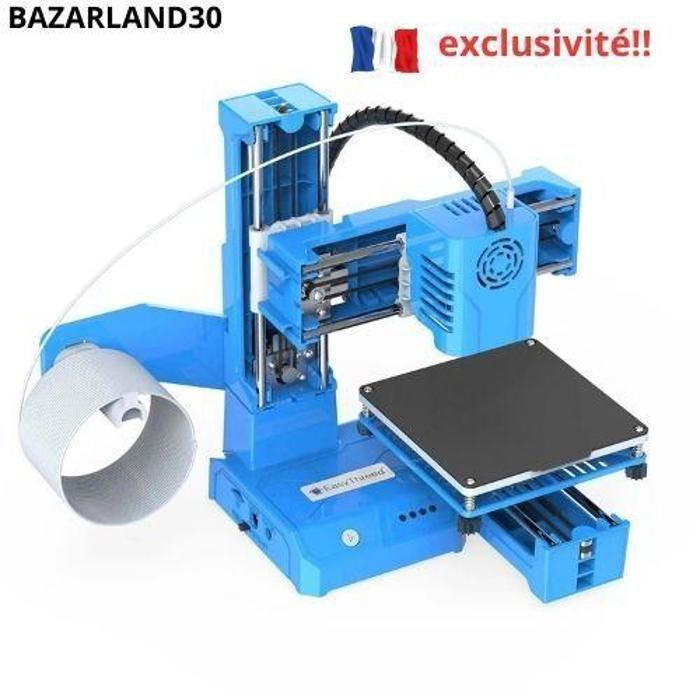
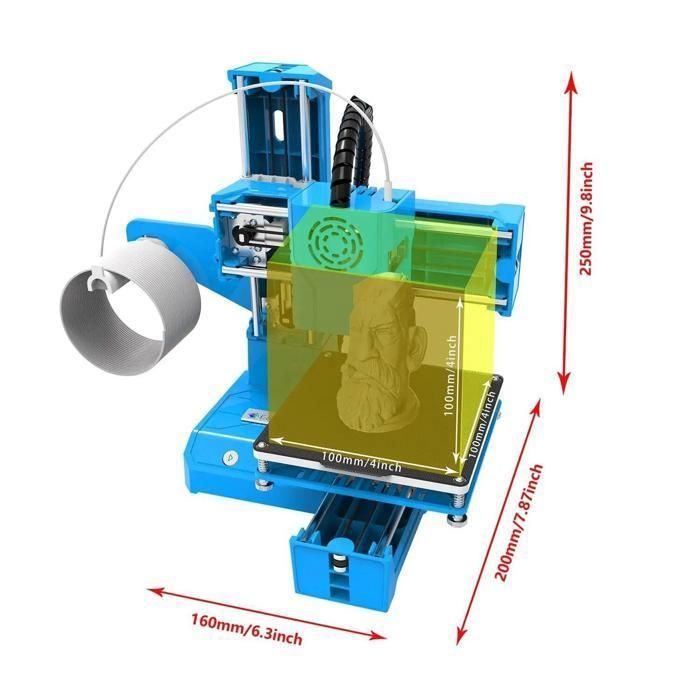
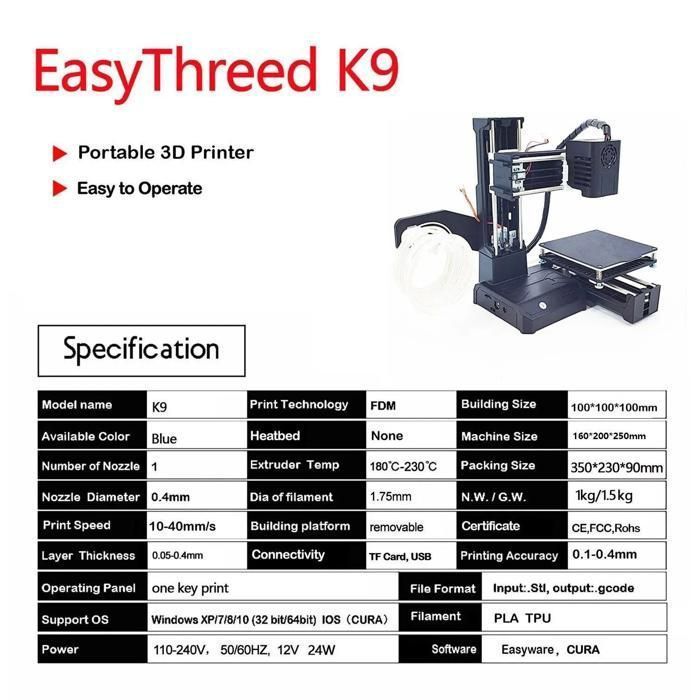
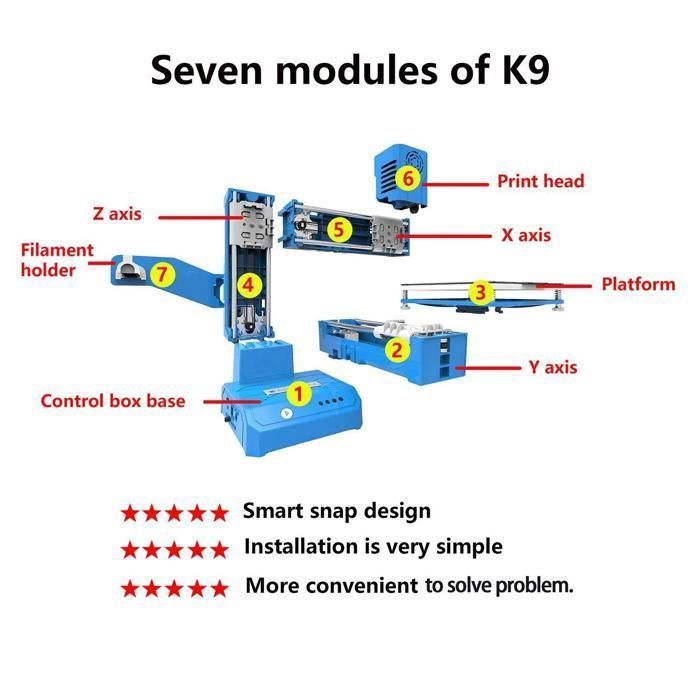
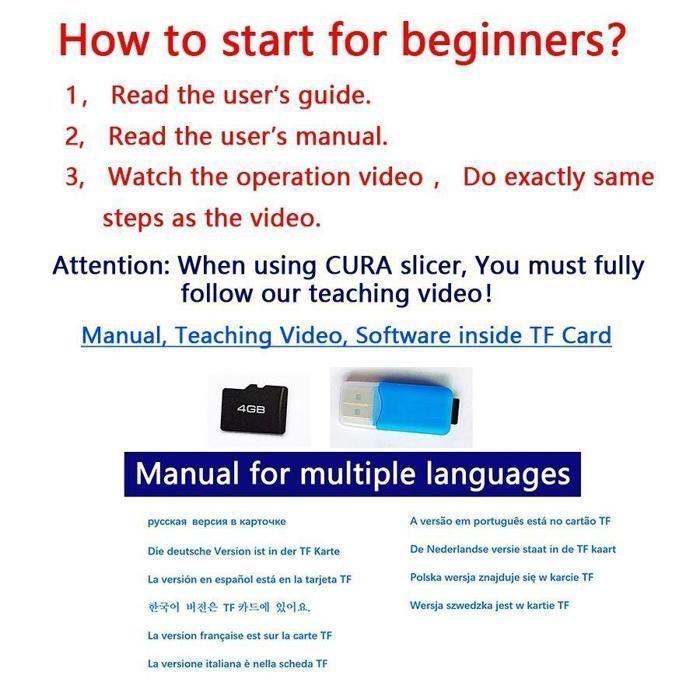

If you're new to 3D printers, the K9 is your best choice. It's small and can be placed in classrooms or offices. Operation is simple; the K9 has only three buttons. Insert the TF card into the printer and press the print button to start printing. Important steps: Leveling is the most important part of using this printer. Press button "1" to start leveling, and when the nozzle touches the magnetic plate, unplug the power and continue leveling. Once finished, press buttons "2," "3," and "4" and repeat the previous steps. If the printer is not leveled correctly, the magnetic plate can be crushed by the nozzle and damaged. If the nozzle is too far from the magnetic plate, the printed model will not adhere to it. Fully Open Source: The printer is completely open source, and you can make any modifications to suit your needs. At the same time, you can also select the software that suits you best, such as VoxelMaker, Cura, etc. (If you don't know how to use the software, you can contact us for the download link for various 3D models.) Fast heating and printing: K9 printers are much easier for beginners to use. It comes with a one-key system that allows you to easily start, stop, and control the printing process. The nozzle heats up evenly in just 5 minutes, and the nozzle temperature can reach 180 degrees Celsius, which meets the temperature and pressure requirements of PLA material. Silent printing: Ultra-quiet for printing anytime, anywhere - BAZARLAND30, the sole creator of this listing.
Your Cart
All orders are processed in
USD.
While the content of your cart is currently displayed in
CYN,
you will checkout using
USD
at the most current exchange rate.
Out of stock
Some items are no longer available. Your cart has been updated.
Have a discount code?
Tip

Shipping Insurance
Subtotal
Discount
This discount code cannot be used in conjunction with other promotional or discounted offer.
Total
Taxes and shipping calculated at checkout
Comment