


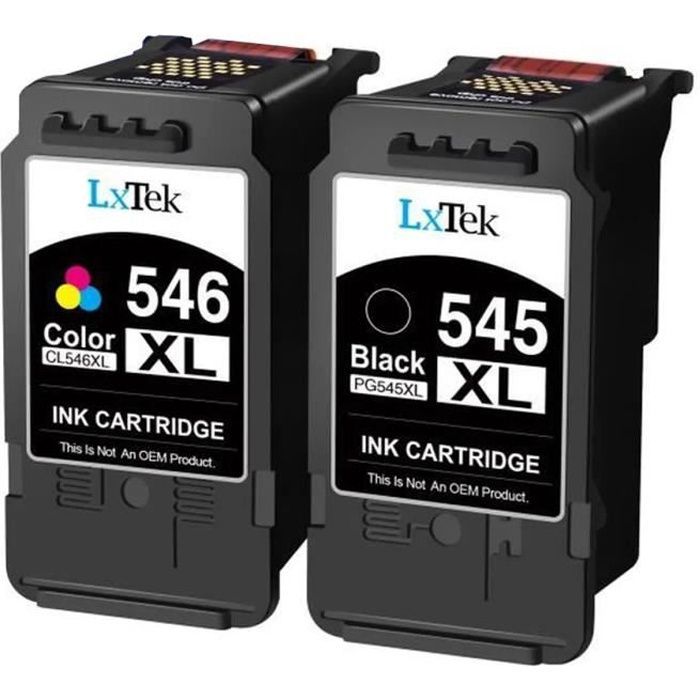
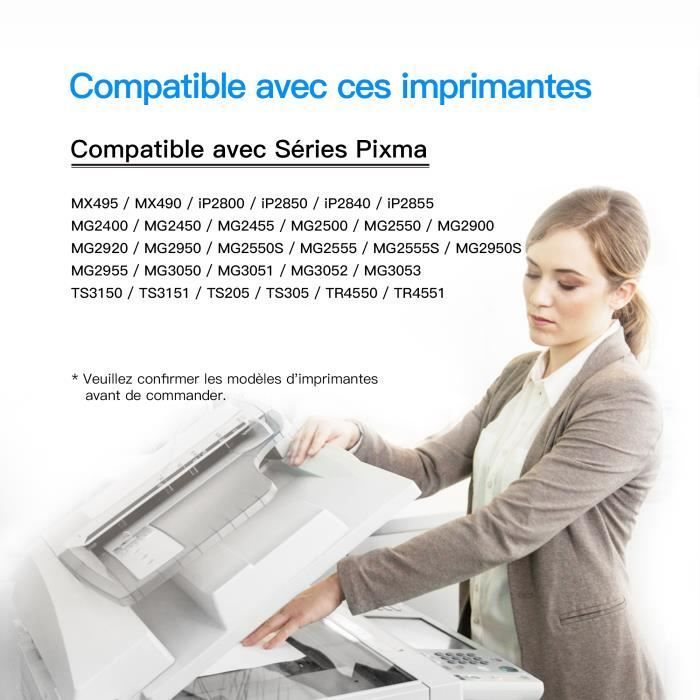

1.Compatible Printers: Pixma MX495 MX490 iP2800 iP2850 iP2840 iP2855 MG2400 MG2450 MG2455 MG2500 MG2550 MG2900 MG2920 MG2950 MG2550S MG2555 MG2555S MG2950S MG2955 MG3050 MG3051 MG3052 MG3053 TS3150 TS3151 TS205 TS305 TR4550 TR4551 Printer 545/546XL, Pack of 2 Compatible For CANON PG-545, CL-546, PIXMA iP2850 etc., Black + Color
Remanufactured Ink Cartridges Replacement for CANON PG-545 CL-546
——LxTek——
+ product
Before placing your order, please confirm if it is compatible with your printer.
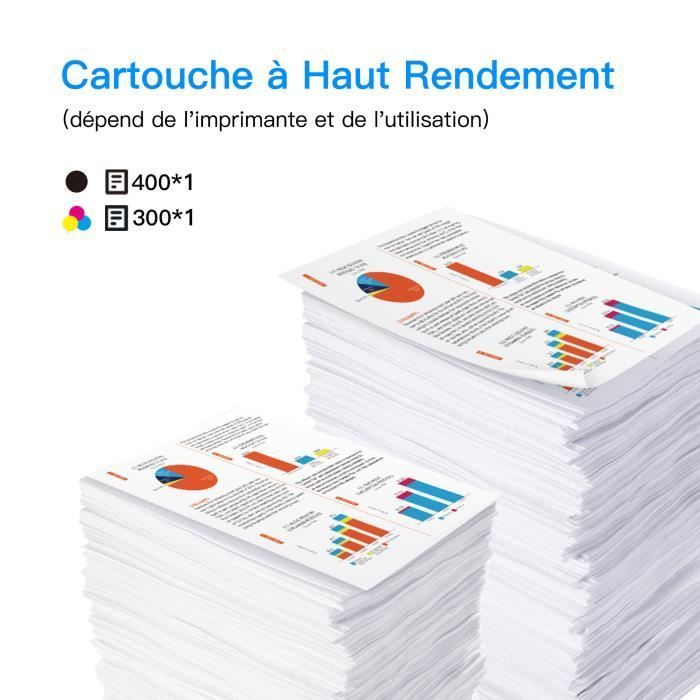
Number of Pages Printed
Each black ink cartridge can print 400 sheets (A4 paper, 5% coverage).
Each color ink cartridge can print 300 sheets (A4 paper, 5% coverage).
Excellent Print Quality
You get reliable, sharp, and vibrant prints while saving money
Thanks to the color combination Based on dyes and pigment black inks, this ink set produces colorful and richly detailed prints.
Enhance every detail
Smart Chip: Identifies new and old printers.
XL cartridges offer high yield and allow you to print more pages for less.
Features
- 1 x CANON PG-545 CL-546 Compatible Black Cartridges – 400 pages
- 1 x CANON PG-545 CL-546 Compatible Color Cartridges – 300 pages
- Page yield: A4 coverage is 5%
Notice
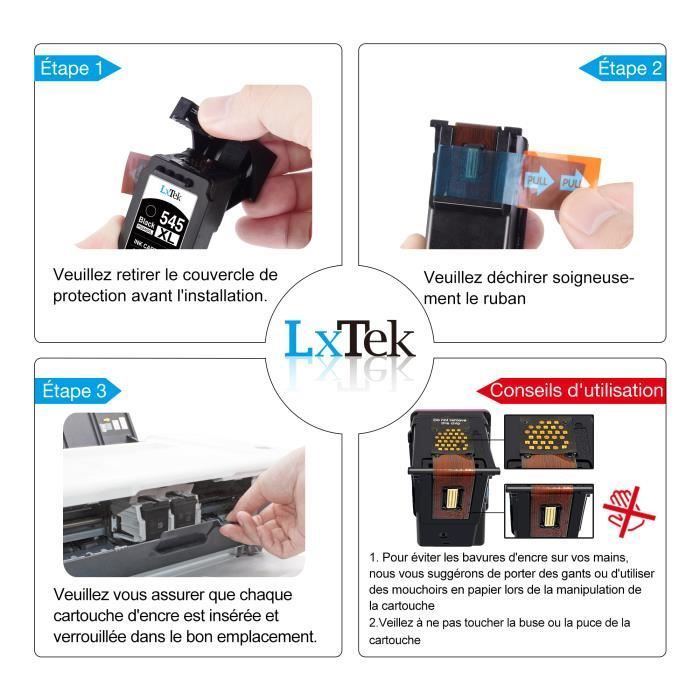
- You should tear off the plastic "PULL" tape before use. Caution: Do not tear the protective seal covering the ink outlet.
- If the printer displays "non-original cartridge," click "OK" or "Continue." The printer will then recognize the cartridge.
- After installing the cartridge, the printer may display "damaged cartridge," "incompatible cartridge," or "cartridge cannot be recognized." Please clean the cartridge chip with an eraser or cotton swab, then reinstall it several times.
- When using a new cartridge, it is recommended to clean the printhead to improve print quality.
Comment