


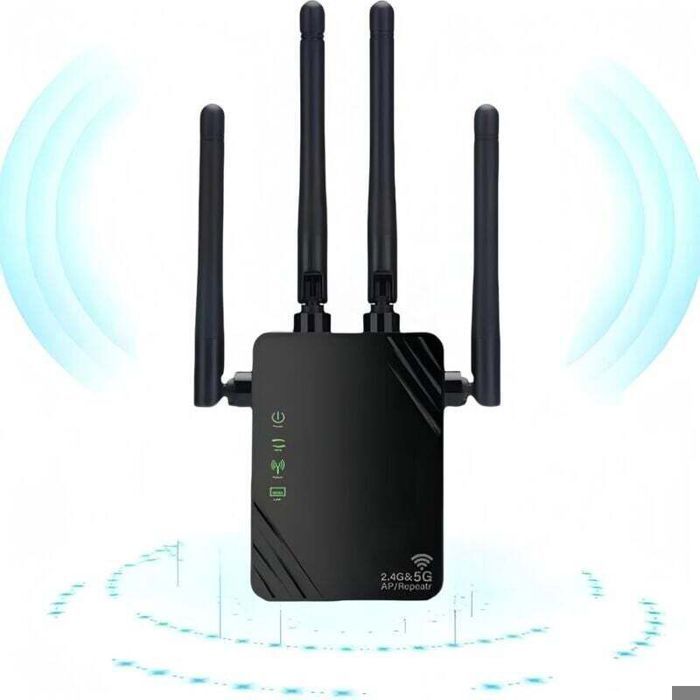
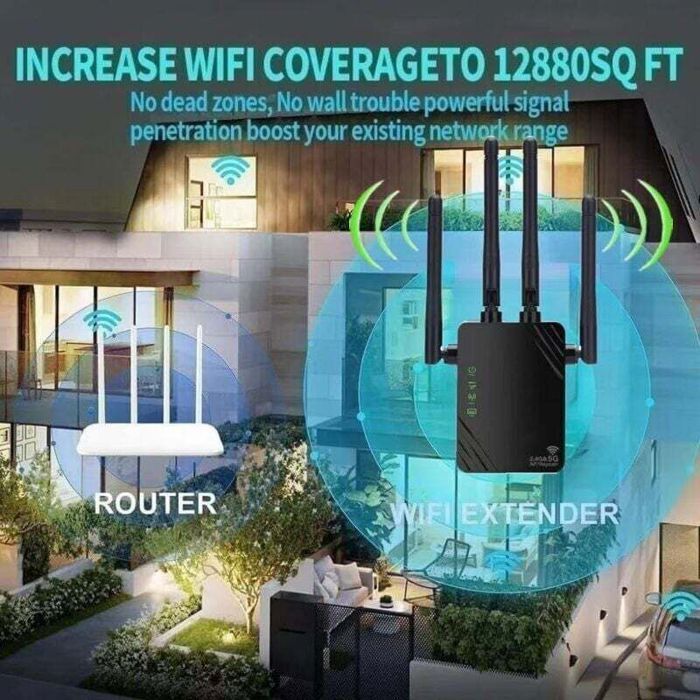
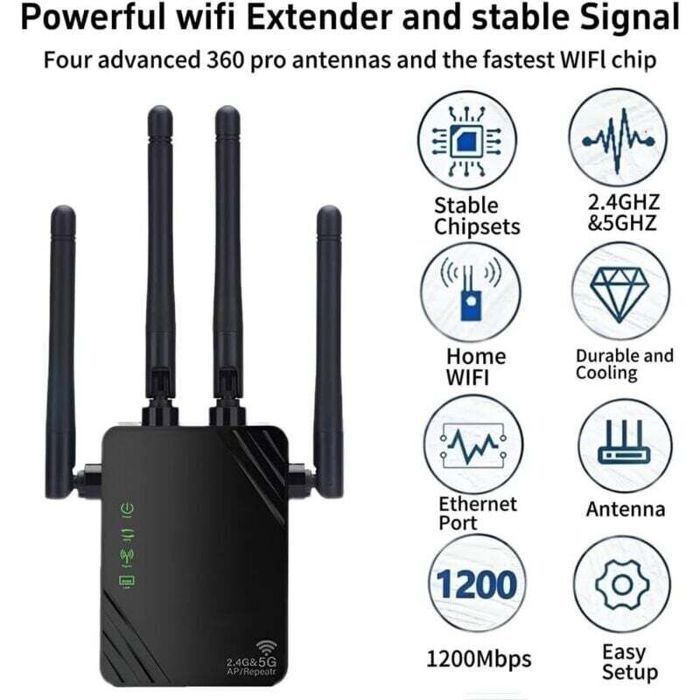

This dual-band WiFi repeater (2.4 GHz and 5 GHz) reaches speeds of up to 1200 Mbps. It eliminates dead zones and covers up to 100 m². Equipped with four 3dBi antennas, it guarantees a stable connection. It can be used as a repeater, access point, or router. Simple setup via web browser or WPS. Ideal for streaming, online gaming, or working from home.
[Powerful High-Speed WiFi Speed]: WiFi repeater, WiFi extender, WiFi amplifier 1200Mbps 5GHz/2.4GHz, 2.4GHz up to 300Mbps, 5GHz up to 867Mbps, total internet speed of approximately 1200Mbps, dual-band anti-interference, equipped with a 3dBi high-gain antenna, allows you to enjoy HD video, gaming, and high-speed internet access.
[Powerful WiFi Coverage Effect]: This WiFi repeater is perfect for you if you are constantly bothered by WiFi dead zones at home. WiFi speed up to 1200 Mbps, 2.4 GHz (low speed) and 5 GHz (high speed) dual channels, 5 GHz recommended. Accepts WiFi signals within a 6-10 meter radius, improves WiFi signal and extends coverage area by 80-100 square meters. Easy connection for balconies, offices, indoor garages, attics, etc.
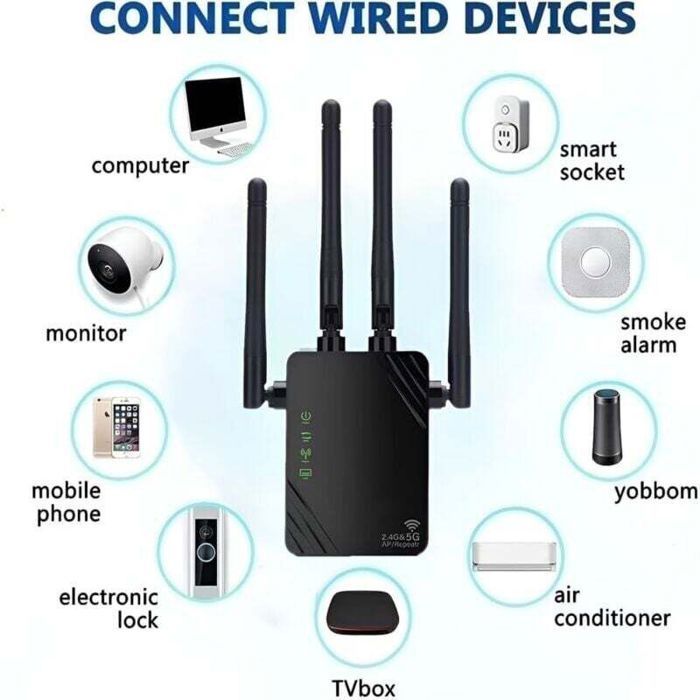
[Ultimate Security]: This WiFi extender maximizes network security, addresses network security issues, prevents network hijacking, protects important data, avoids WiFi interference and privacy problems, and eliminates the worry of cyberattacks or loss of confidential information while using the internet. Using a Wi-Fi extender with an Ethernet port avoids Wi-Fi interference and privacy issues, making work and life safer and more comfortable. [Multifunctional Wi-Fi amplifier]: Repeater mode / AP mode / router mode to meet different needs. Two Ethernet ports and four external antennas for optimal performance easily transform your wired internet connection into a wireless access point. WiFi Internet Booster can also be used as a wireless adapter to connect wired devices such as Blu-ray players, game consoles, or smart TVs.
[Simple Setup]: 1. Find the name of your WiFi Enhancer and click on it. The login page will appear; press (Login). 2. Find (Relay Mode Setup) and click Next. 3. Find (Router Name + 5G) and click on it. Make sure to enter the router password. Click Next, click Finish Setup, wait 30 seconds, and you're done!
Comment